
◷ Reading Time: 5 minutes
Traces capture key runtime events across all connected FlexRule Server nodes. These Traces can be customized to monitor a curated set of events and select from multiple event export options, including writing to a local log file or generating a record in a database.
Trace
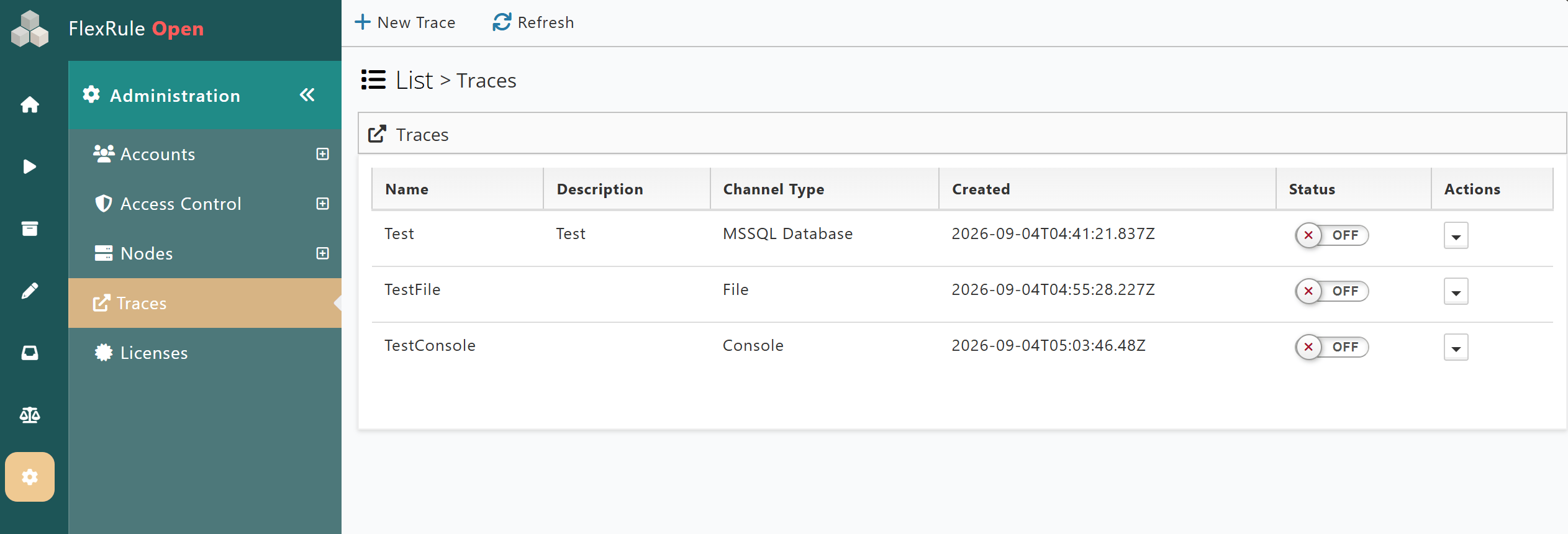
The Traces page will show all available Traces, with details such as each trace’s name, description, channel type, and status.
For an existing Trace, users can:
- Toggle the active status. If inactive, the Trace will not capture any set events.
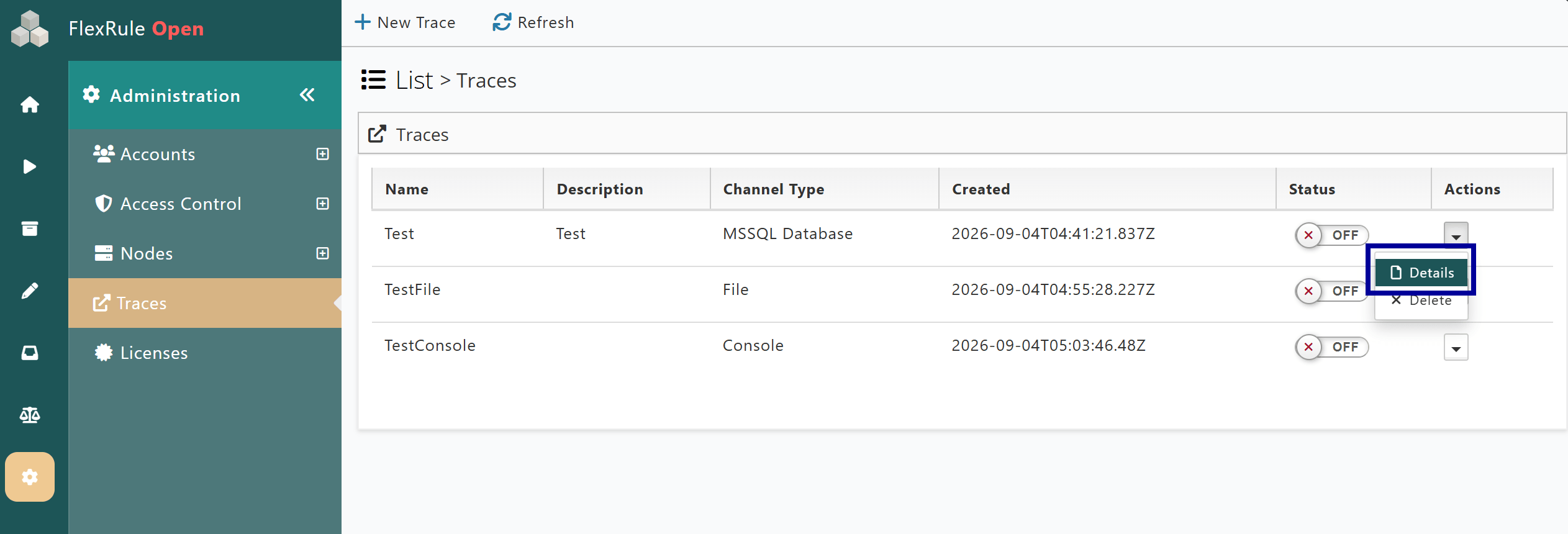
- View/Update the details or other properties of an existing Trace.
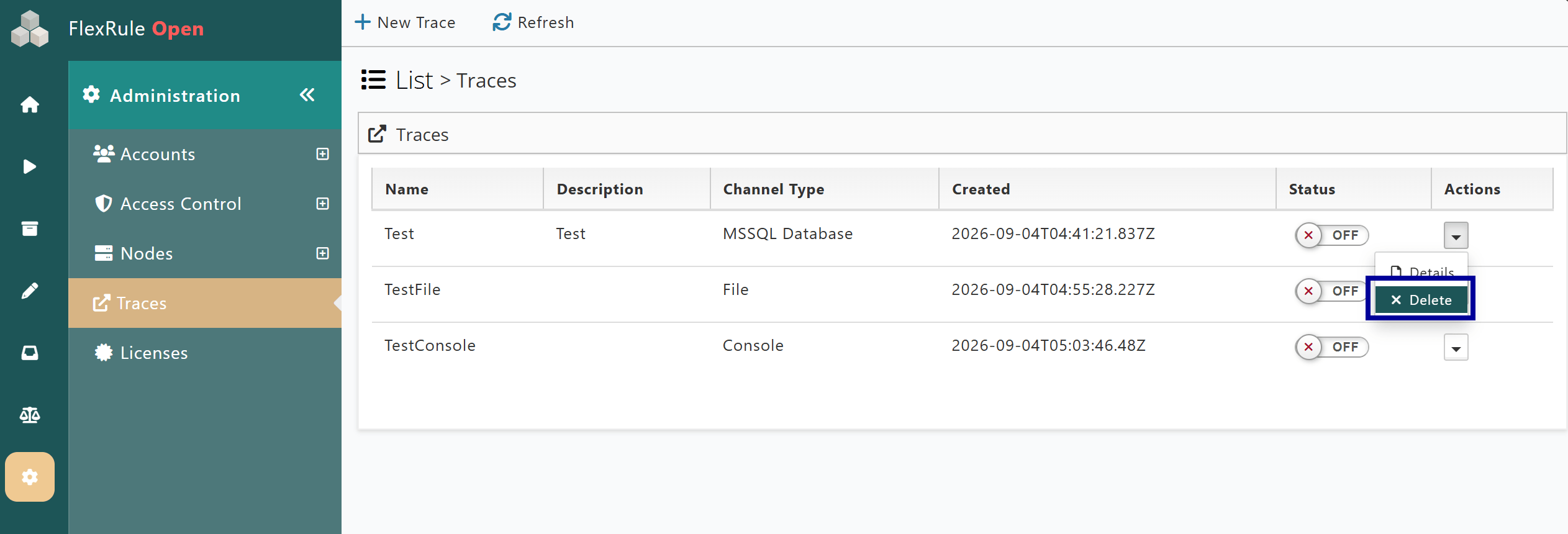
- Or delete a Trace.
Create a New Trace
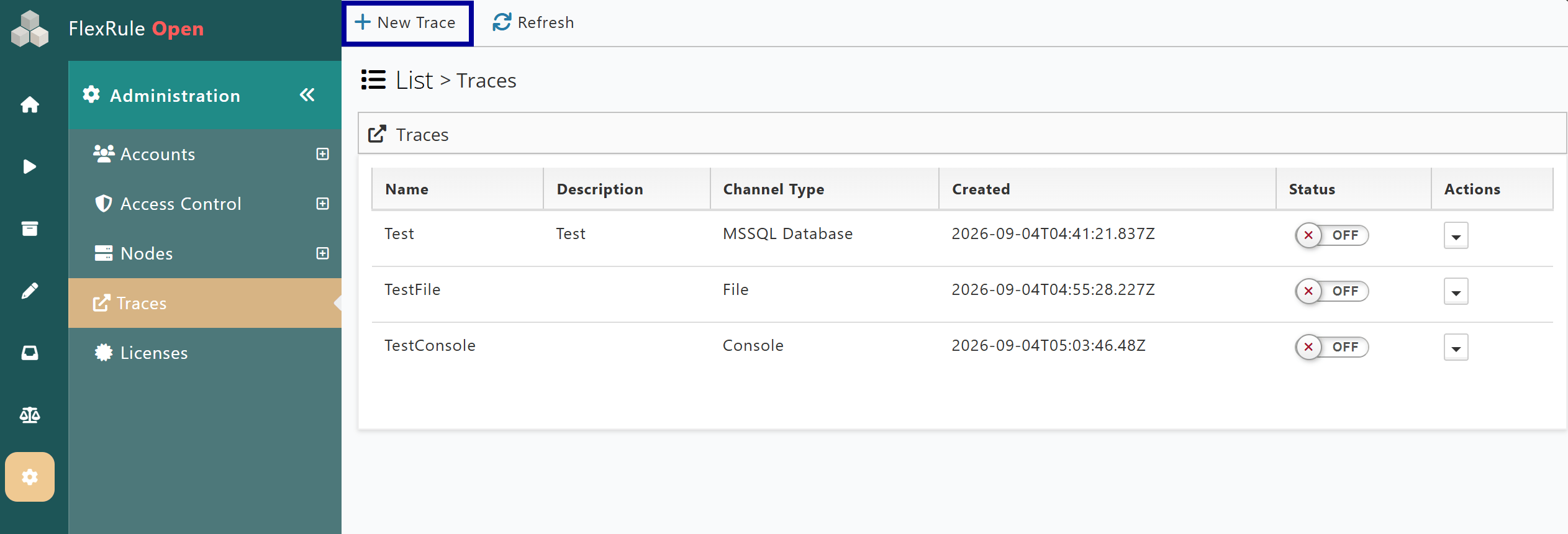
To create a new Trace, users can start by pressing the highlighted button at the top-left of the page. The following fields are mandatory for creating a new Trace:
- Trace Name (cannot be changed once created)
- Channel Type Fields (Filepath or LogTable, for the
File/MSSQL Databasechannel types respectively) - Event Groups
Mandatory properties of a Trace must be provided before a user can save the new settings.
Trace Properties
The properties of a Trace are listed below. Once all mandatory fields are met, the Trace properties can be saved either when creating a new Trace or updating an existing one (except the Trace name).
General
The general properties of a Trace are used to give an identifier to the Trace and a short, relevant description.
- Name: The name of a new Trace cannot match any existing one. The name cannot be updated once created.
- Description: A field to give a description of the Trace.
Channel Type
The location and method for storing any captured events and the resulting log are configured here. The required fields and log view differ across distribution types, but the information captured is the same.
Event Distribution:
- File – Requires Filepath specifying the location and naming rule for event logs saved as files.
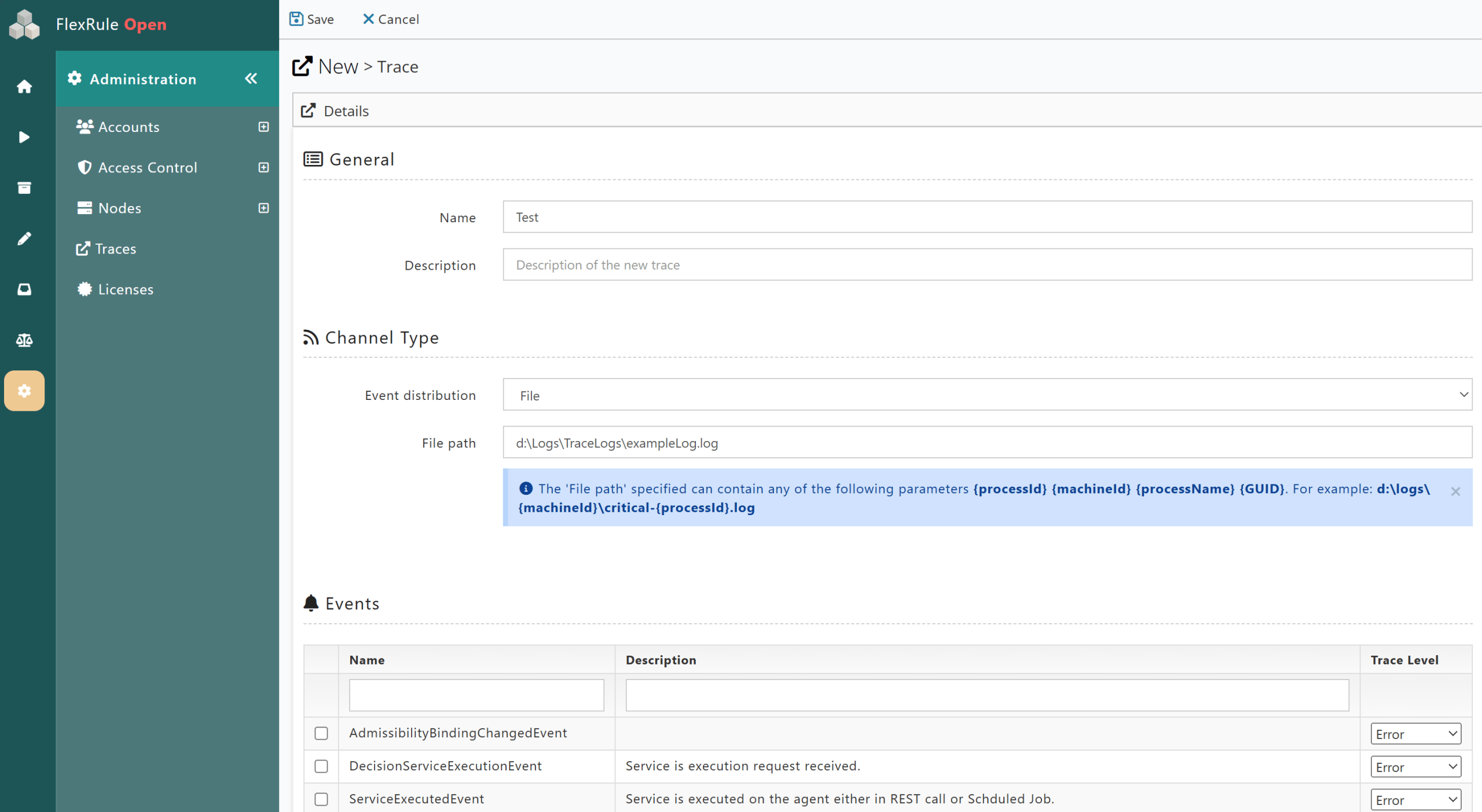
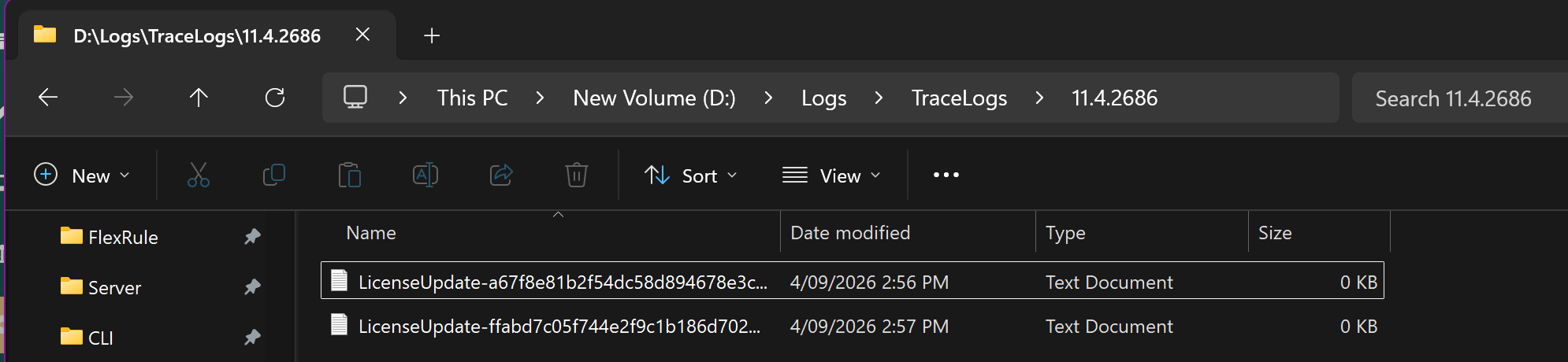
- OS Events – No additional required fields, saving the logs to Operating System Events.
- Console – No additional required fields, writes the events directly to the Identity node console.
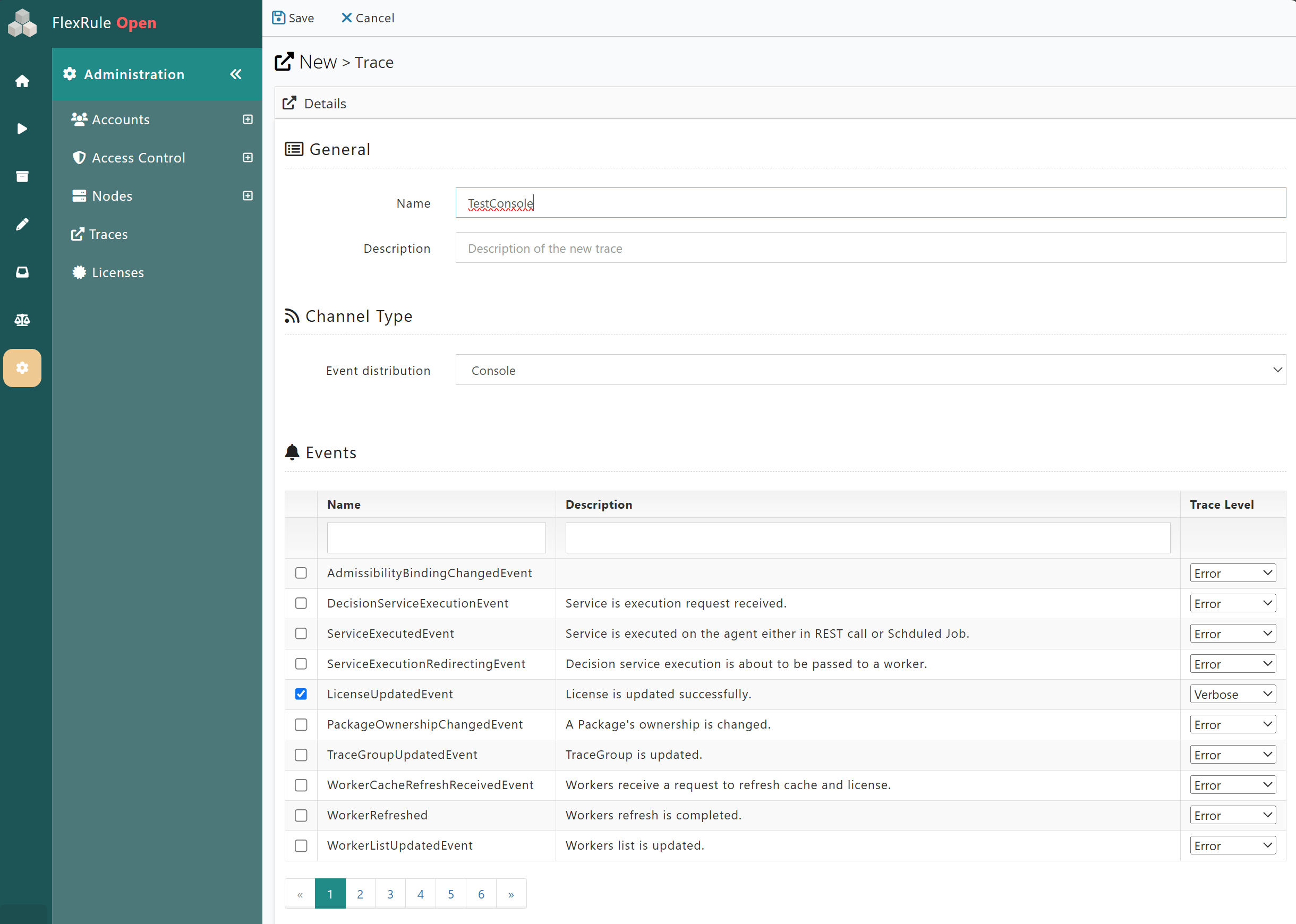
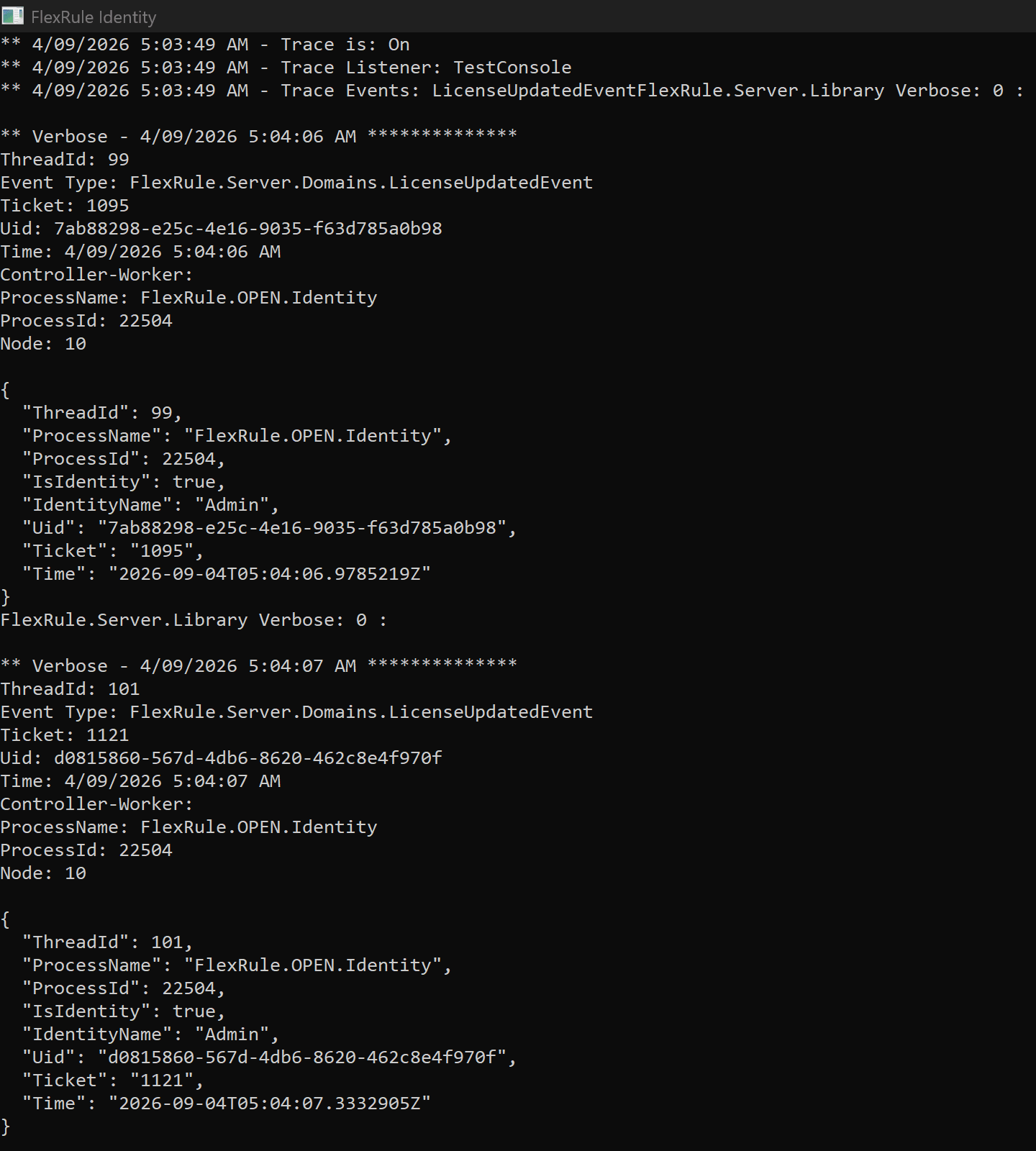
- MSSQL Database – Requires Log table; the name of the targeted Database table. An optional field for Connection string if the desired Database is different from the Database used for FlexRule Server.
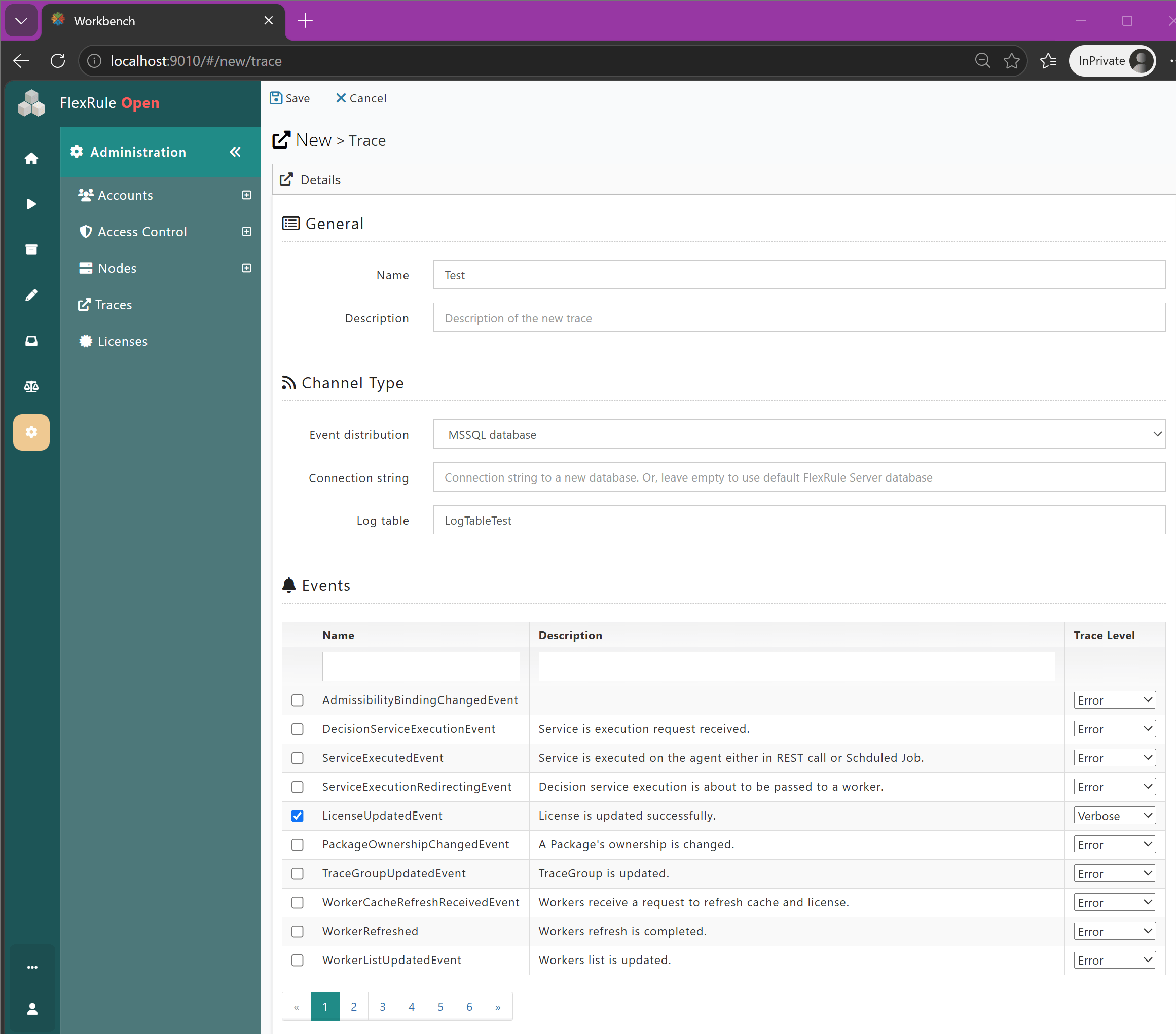
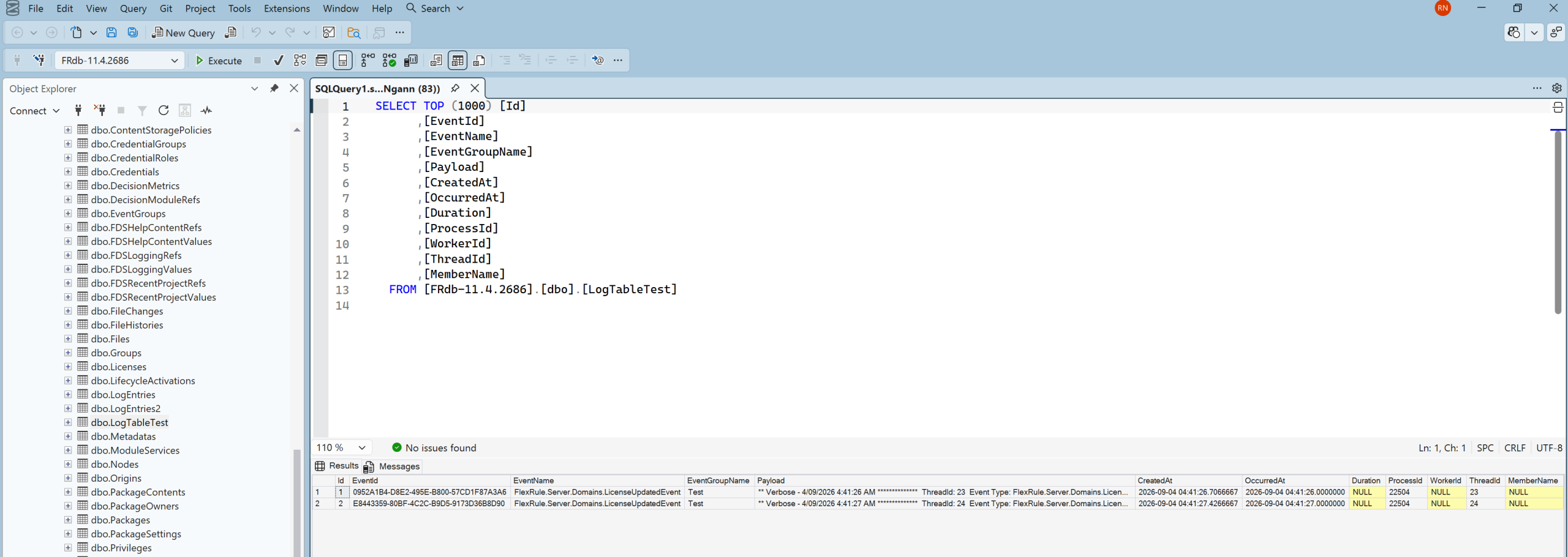
Events
- Events: Each event has a unique name and a description highlighting what will be captured at runtime.
- Trace Level: The level of information collected at runtime for the selected event can be changed to:
- Error – Only when errors are related to the event occur.
- Warning – When a non-critical, abnormal event occurs, the relevant data is captured at runtime.
- Information – Captures the data and information related to the event that occurred.
- Verbose – Captures all information of an event occurrence.