
◷ Reading Time: 3 minutes
Champion Challenger is a way to allow the execution of multiple services within a package. It relies on a weighting applied to each service of the package.
The weighting relates to the number of executions sent to that specific service as a proportion of all executions of the package services. It is tied loosely to a percentage of executions as part of the greater whole.
Champion challenger can be useful for testing services. An updated service can be tested with a subset of the requests rather than sending all requests to the one updated service.
How to Setup Champion-Challenger
To set up Champion challenger navigate to the package containing your service versions. You should have multiple service versions under a single package to use Champion Challenger.
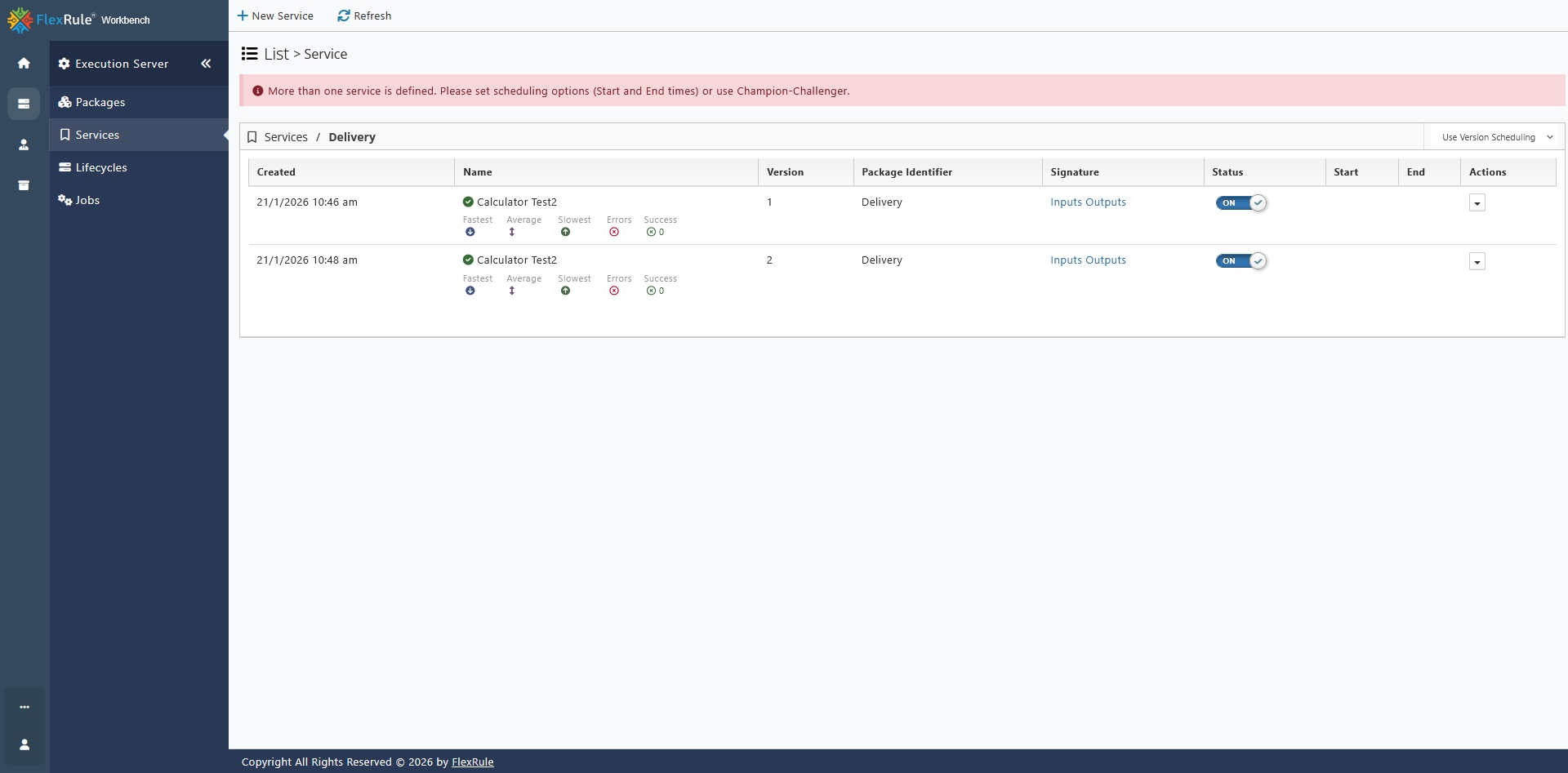
Now choose Use Champion-Challenger option from the actions drop-down menu to define that is the scheduling being used for multiple services.

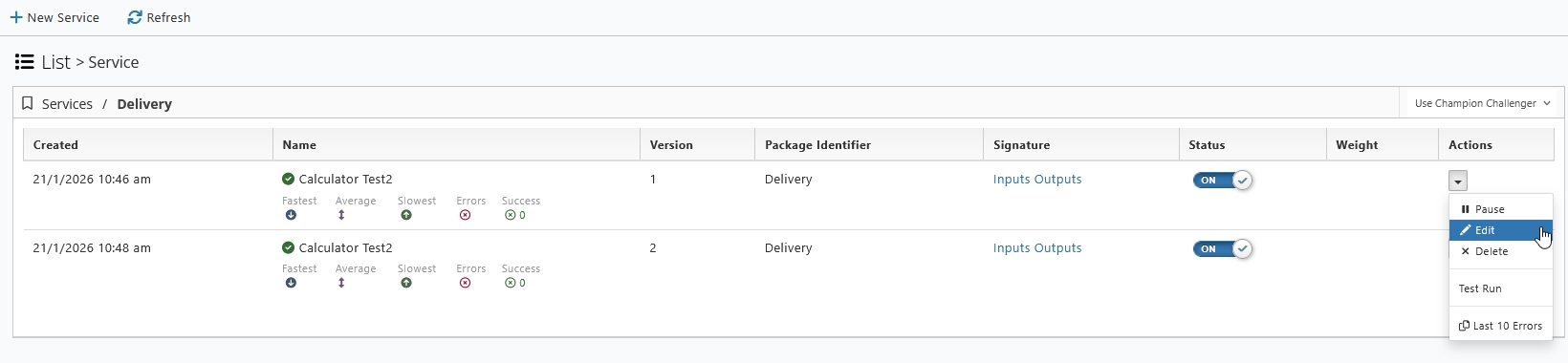
Then select Edit a service from the Actions menu to assign the weighting.
Now select the Options tab and navigate to the weight field and input a value for weight of the service.
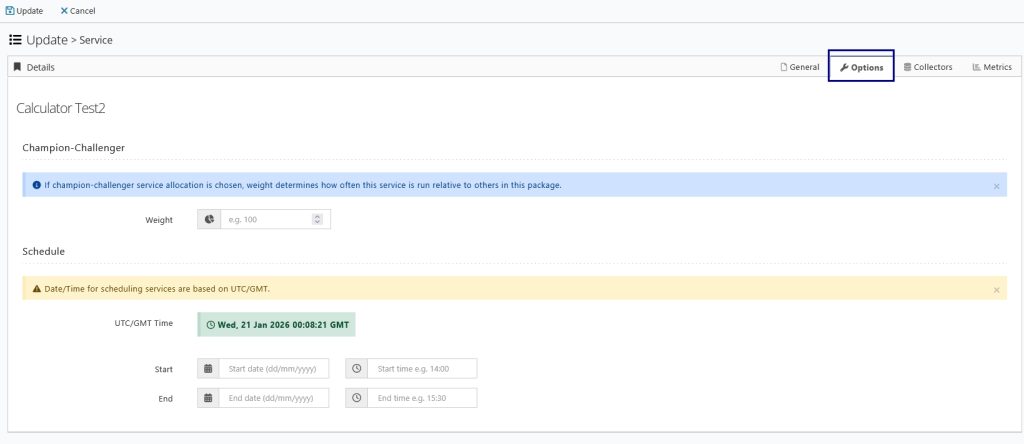
Then add a value for Weight.

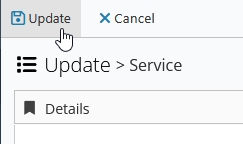
Finally click on Update to save the weight assigned.
Now repeat the previous steps to add Weight to all service versions in the package.
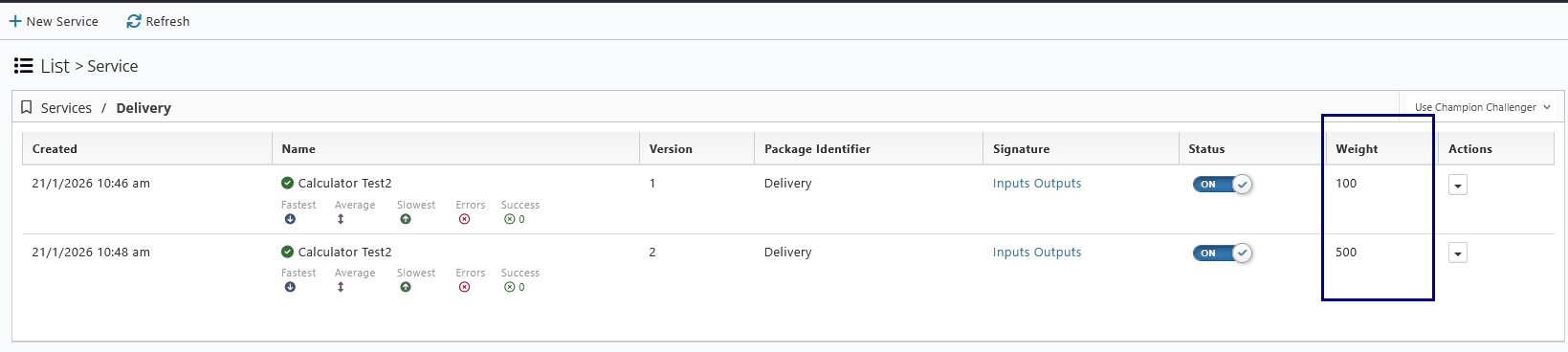
When you execute your service, you will notice that a proportion of requests will go to each service version based on the weights that have been set.