
◷ Reading Time: 3 minutes
If you have a decision service that is deployed in a cloud service, this article will guide you through how to update the FlexRule Runtime in that decision service.
Decision Service in AZURE Function
Log into the AZURE portal and navigate to the specific AZURE Function App, which you need to update the runtime. And then click on “Advanced Tools” under “Development Tools”

Then click on “Go” link.

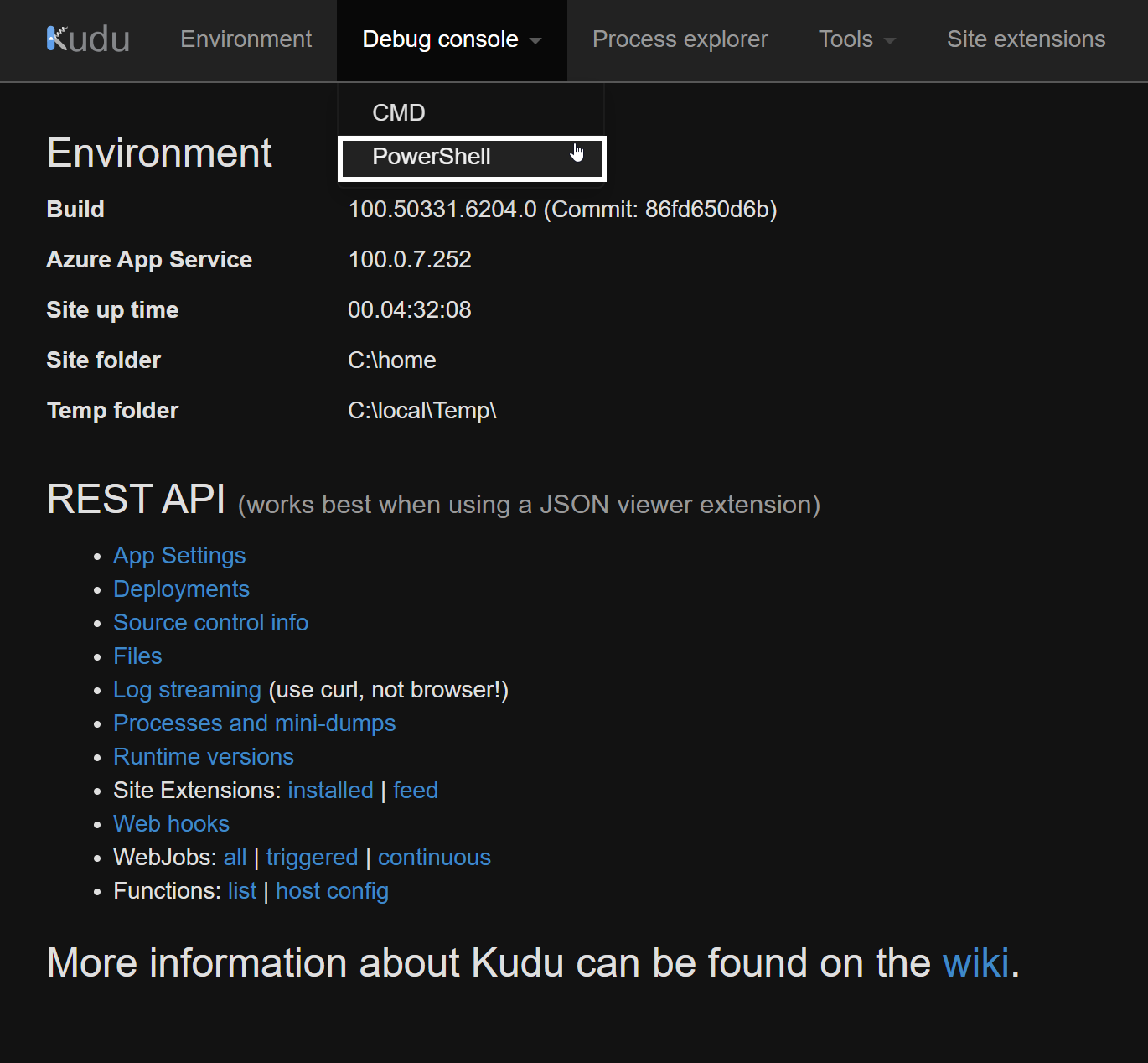
Now, in the “Environment” portal, click on “Debug console” and from the drop-down list, select “PowerShell”
In the Powershell window, navigate to the following directory.
“C:\home\site\wwwroot\bin>”

This is where you need to replace your new FlexRule Runtime DLL files.
Let’s see how you can get the relevant dll files from FlexRule Runtime NuGet.
How to get the DLL files from FlexRule Runtime NuGet package
You can download FlexRule Runtime NuGet package from either My Portal or from NuGet.
Once you download the package, extract it and navigate to “\lib\netstandard2.0\”

Select and copy all the DLL files and paste them into the bin folder in the AZURE function, where we mentioned in this article. ( “C:\home\site\wwwroot\bin>” )
How to test the FlexRule Runtime version
You can check the FlexRule Runtime version in a decision service by using the API response body.
The following image shows how the response body shows the FlexRule Runtime version in Postman.
