
◷ Reading Time: 4 minutes
The traditional RPA will only mimic human activities such as mouse clicks, moves, and typing in a text box. However, Decision Robotics is capable of being a part of the decision-making process.
Install the Robotics Extension
Open FlexRule Designer and create a new project:

Go to:
Tools --> Extension Manager
Install the robotics extension:
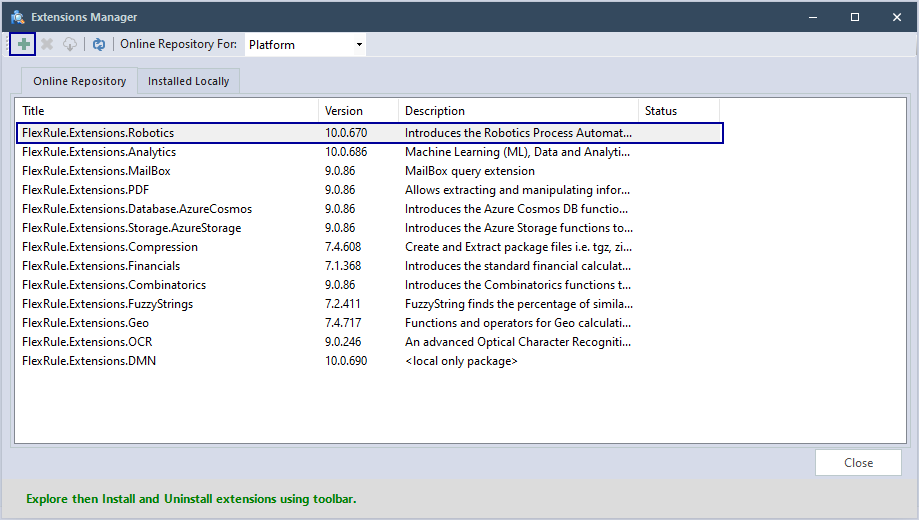
Show Robotics Toolbox
After installing the Robotics toolbox will then be visible in the main toolbox to be used in your model.

Creating Your First Robotics Project
Create a General Flow File.
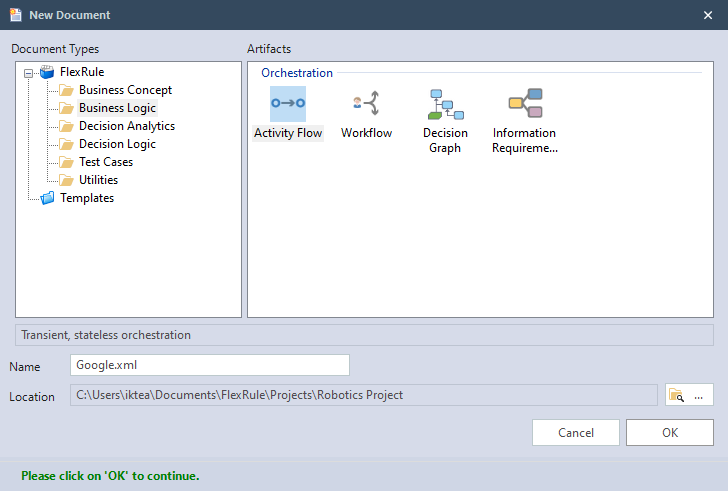
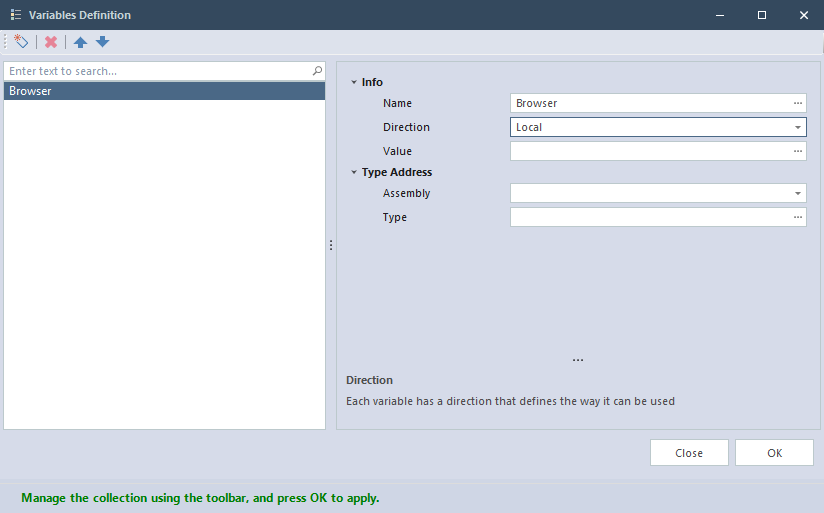
Open Google.xml and define a variable to hold the browser instance.
- Direction: Local
- Name: Browser
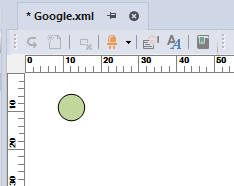
Add a start node.
Add a Navigate To node.
You can simply select “OK” for any pop-up windows like this one as we will be editing the properties later.
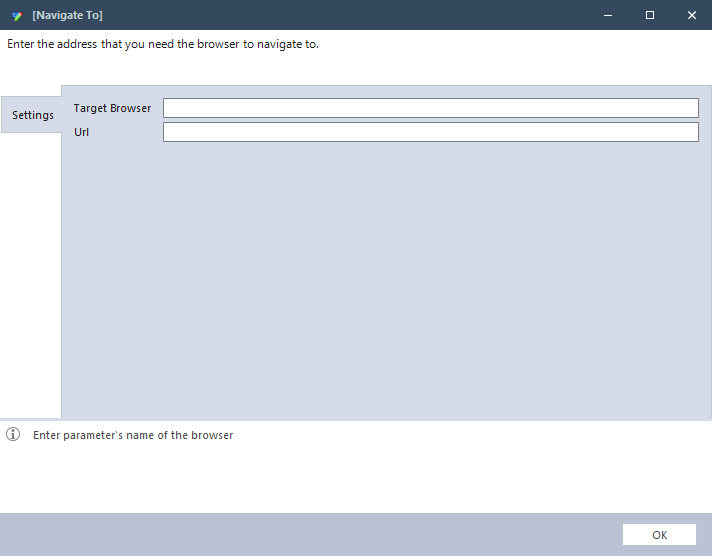

Click on the Navigate To node and edit the properties.
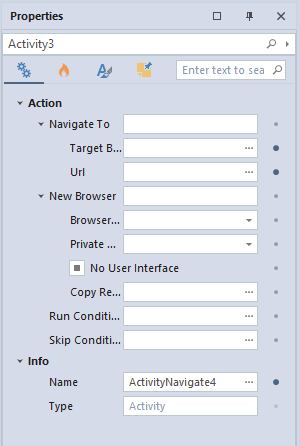
- Uri (The site you want to navigate to): https://www.google.com/
- Browser Type: Chrome
- Copy Result To (This is the variable we defined in the previous step): Browser
- Private Mode (i.e., whether it needs to be in incognito mode): False
Add a End node and connect all the nodes.
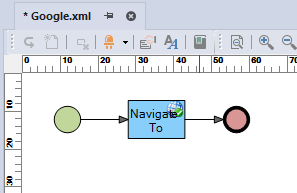
Now you can Run the project.
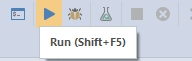
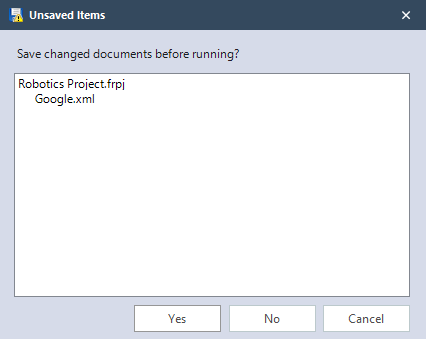
Click Yes to save the project.
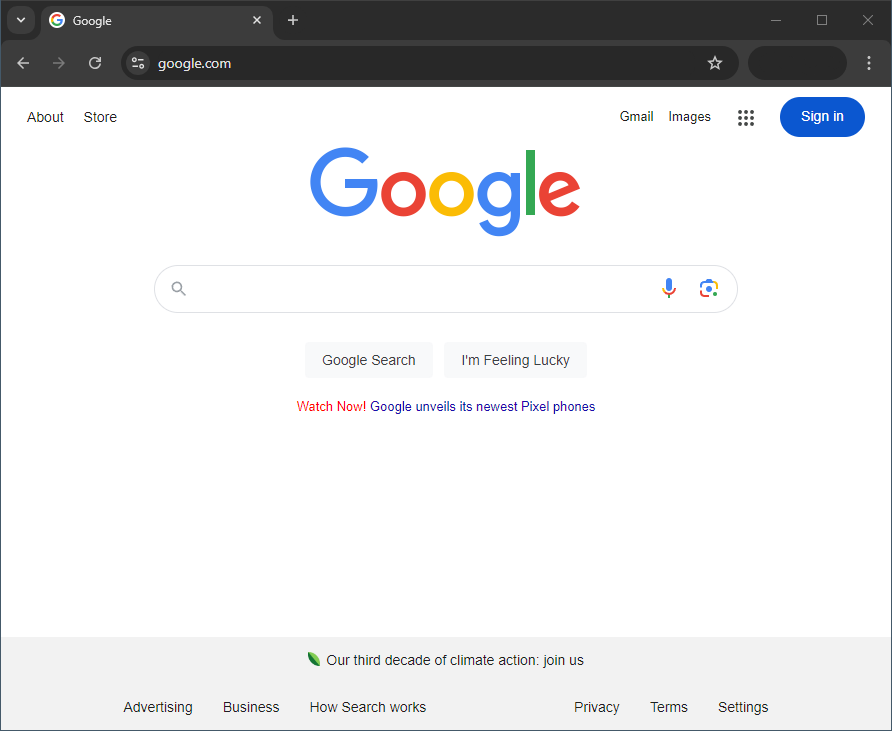
You will be able to see that it navigates to Google.
Download the sample project
Download the sample from the attachment at the end of the page.
More sample projects are available on our sample project page.