
◷ Reading Time: 3 minutes
In this article, we are going to show you how to clone an existing remote repository to FlexRule Designer.
Open FlexRule Designer
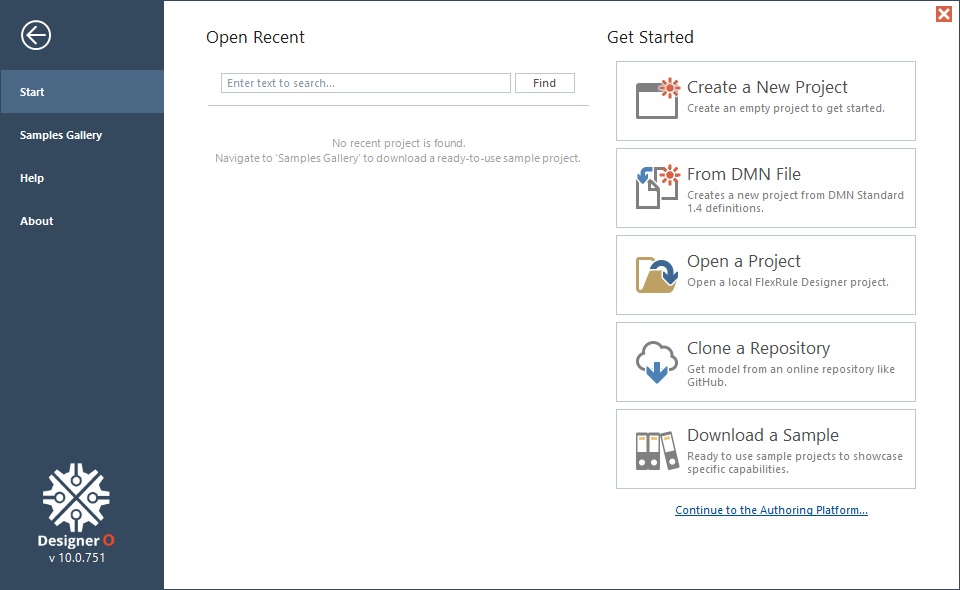
You will see the following home page when you open the Designer.
Select Clone Option
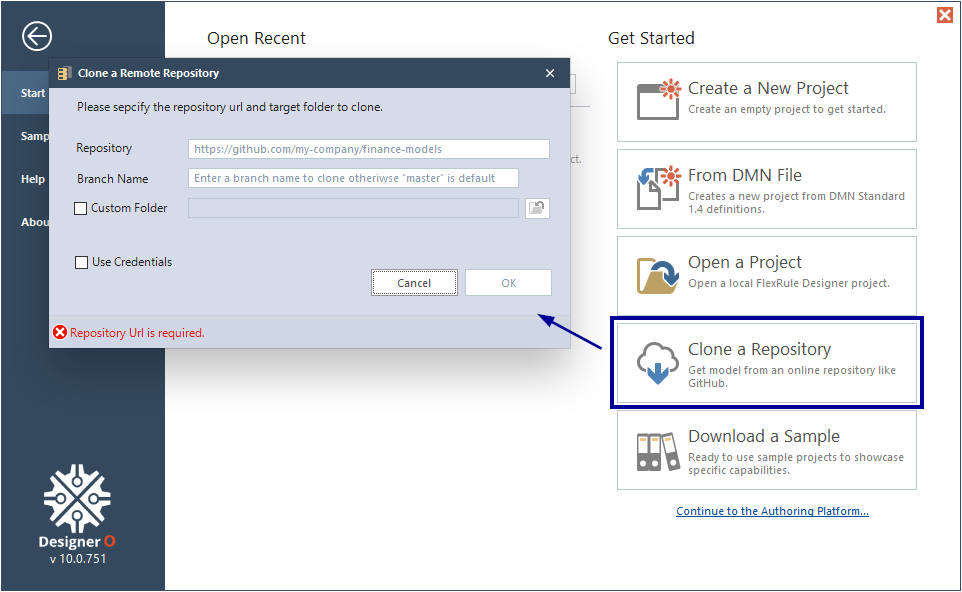
Click on the Clone a Repository option on the home screen.
Provide Repository Information
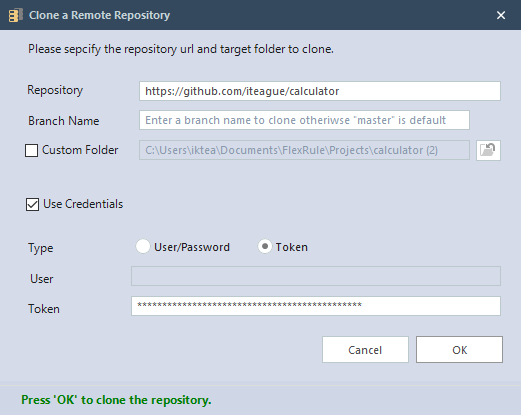
You will need to provide the following information.
- Repository: The URL of the repository to clone
- Branch Name: If your default branch is
masterand you want to clone themasterbranch, you can keep this empty. Otherwise, if there is an specific branch you want to clone, provide the branch name. - Custom Folder: Select to specify target folder, otherwise use default folder location
- Credentials: Username/Password or Private Access Token to clone private repositories
How to Retrieve the Repository URL
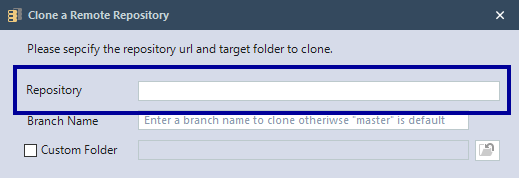
Let’s see how to get the repository URL.
Azure Repo
If you are using Azure Repo, go to your repository and click on Clone to get the Repository URL.

Copy the URL under HTTPS.

GitHub
If you are using GitHub, go to your repository and click on Code to get the Repository URL.

Copy the URL under HTTPS.

Click OK.

The project will be cloned and opened.
