◷ Reading Time: 4 minutes
New account type introduced in v11.2 alongside existing Users and Applications. Agent accounts have three distinct stories which are management, key authentication, and authorization.
Management – Platform admin can register agent accounts, manage agent details, generate and revoke keys.
Key and token authentication – The agent presents the key, and the platform validates that key and issues a Bearer JWT with agent-specific claims which is same as Application accounts.
Authorization – Platform validates the JWT.
Create a new Agent
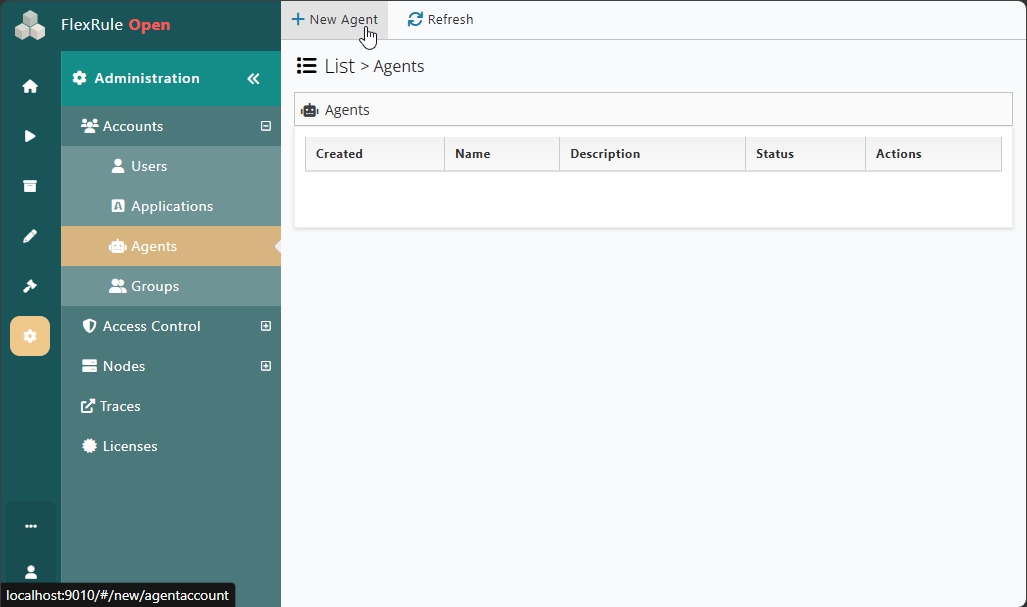
Navigate to Administration -> Accounts -> Agents
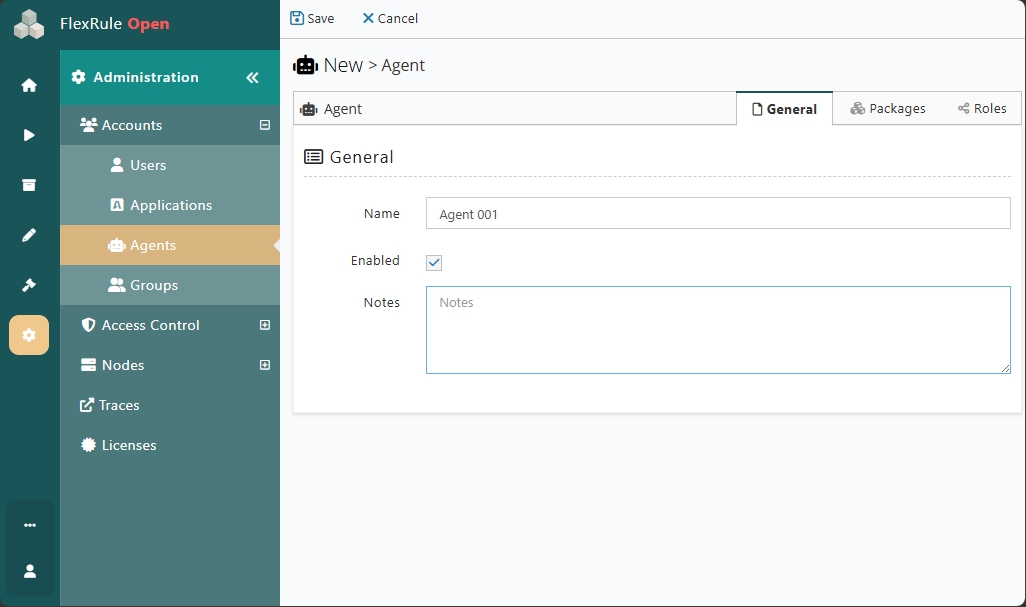
Then give that Agent a name and make sure Enabled is checked. Notes are optional. You can add details such as Owner, review date, and governance context.
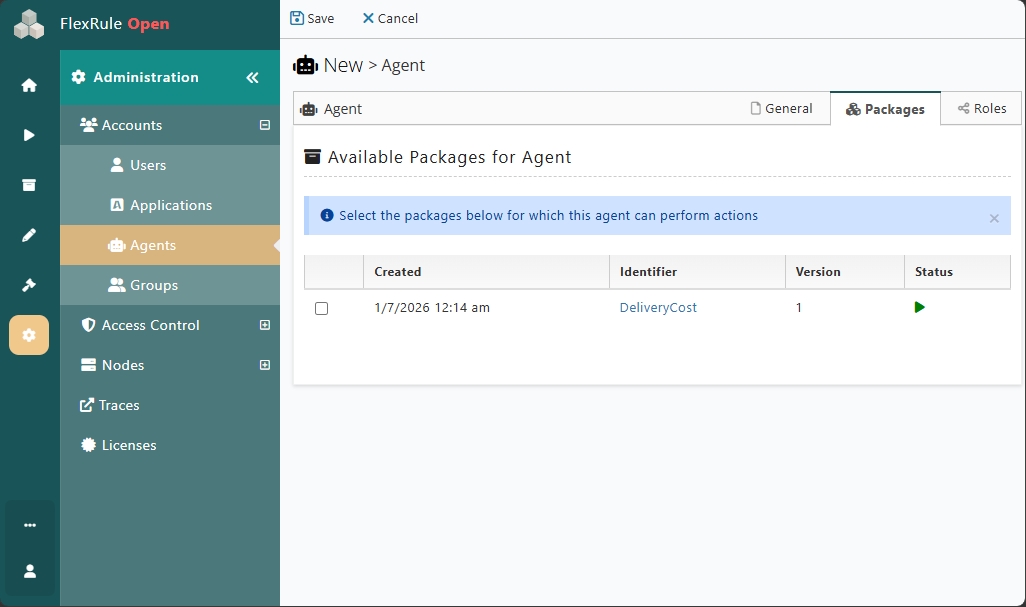
Then assign relevant packages to that Agent, allowing it to run.
Then assign relevant permissions for that Agent.
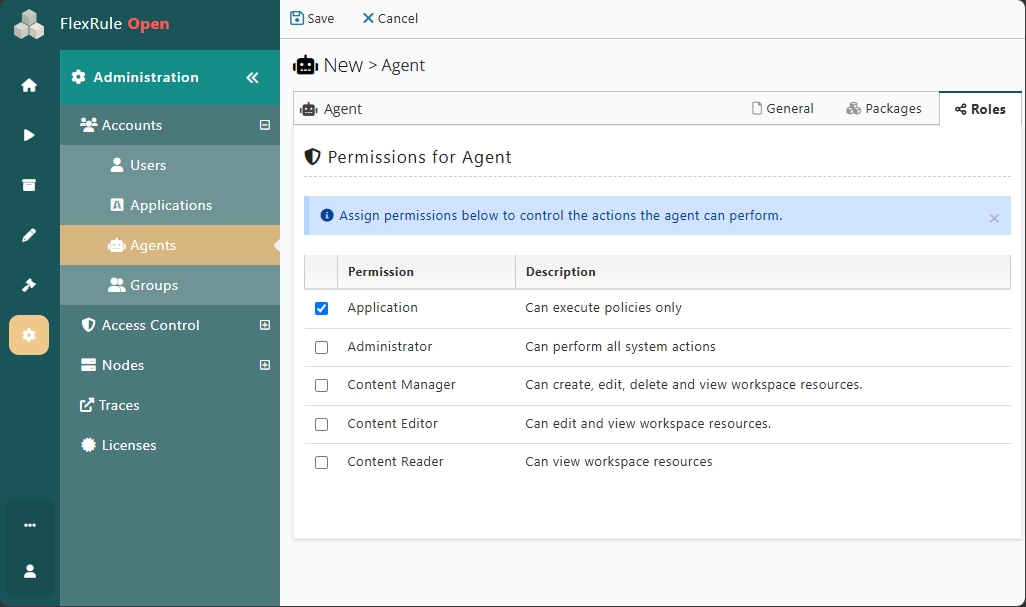
And hit Save. Once you have created the Agent, you can see the created Agent in a list view.
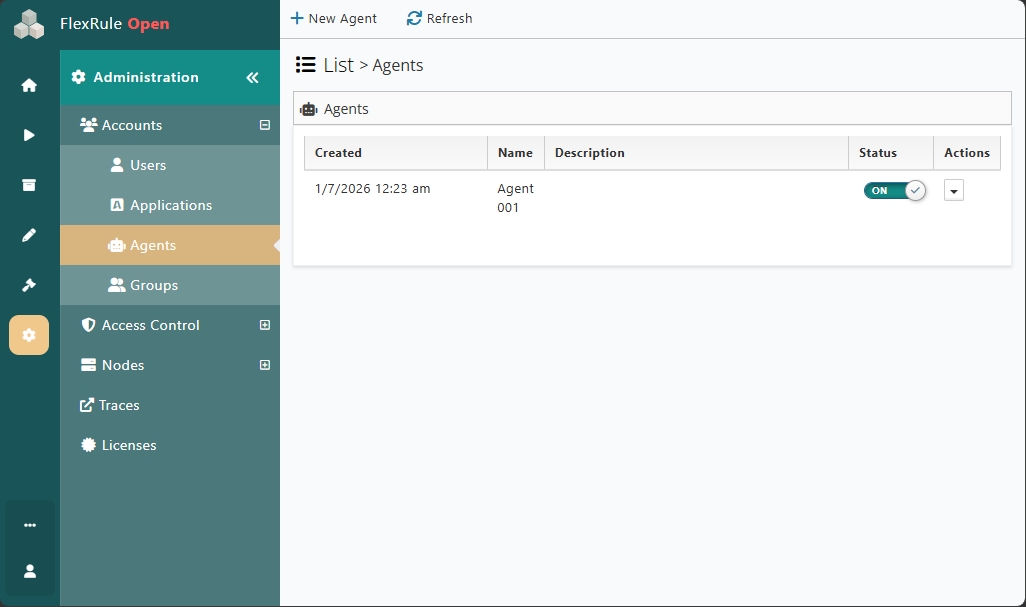
How to Generate a Key
You need to generate a key value for the agent, which is shown only once. You cannot retrieve it after that. You can also set an optional expiry date for the key. If not, the key will not expire.
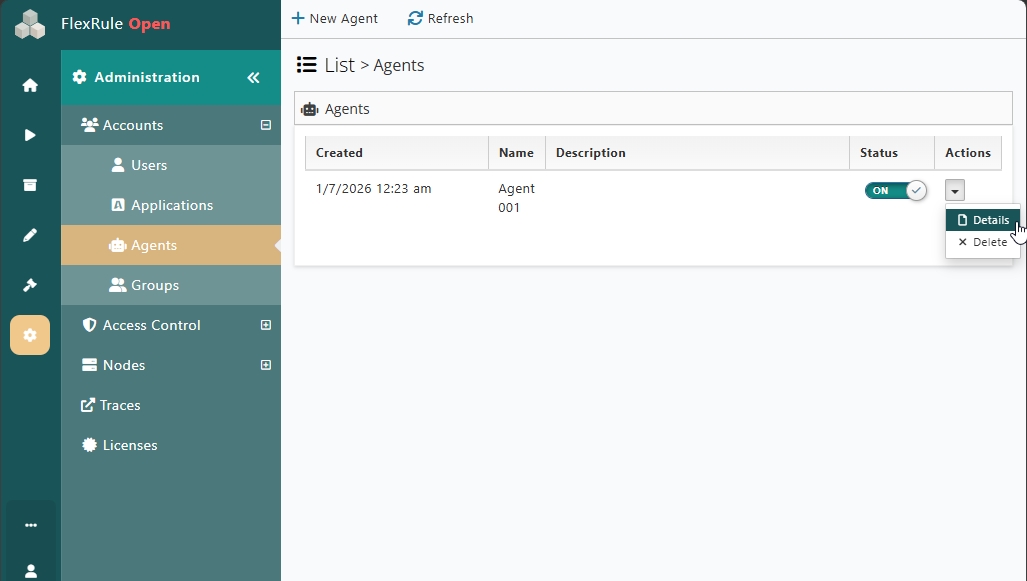
Navigate to Agent List view and click on “Details” of a particular agent account.
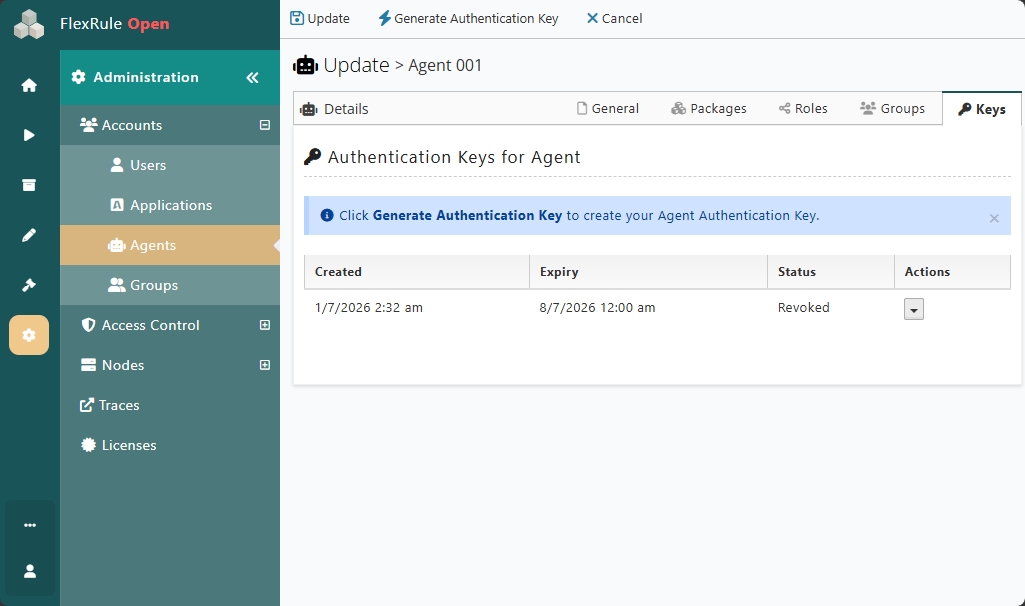
Then navigate to “Keys” and click on “Generate Authentication Key”. If you have created a key previously, that’s also listed in here. If you have an active key, you cannot generate a new key unless you revoke the old one.
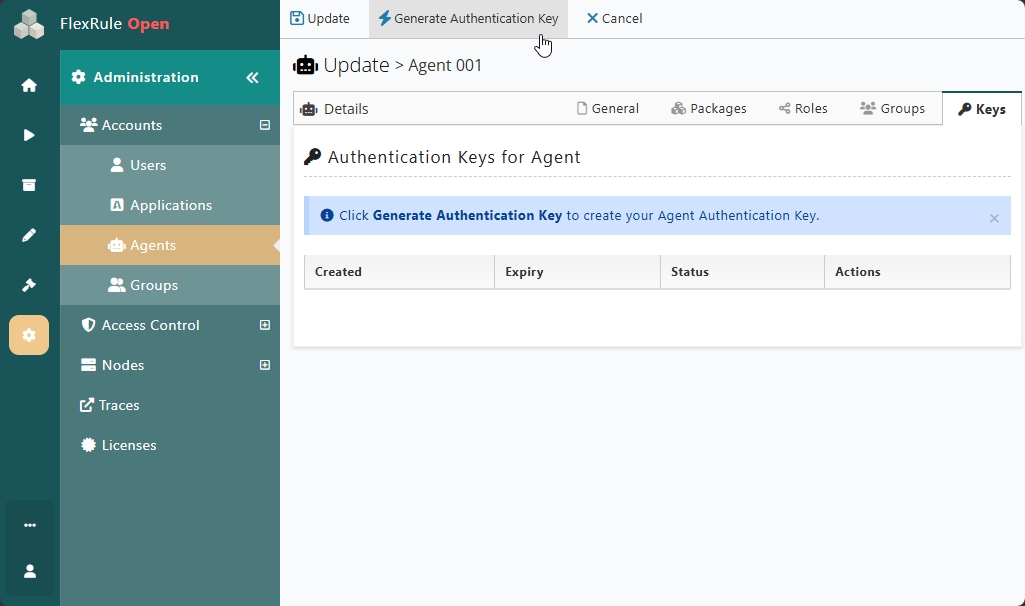
You can copy the generated key and save it somewhere you prefer. Because the key value is shown once on generation and is not retrievable later. You can also set an expiry date.
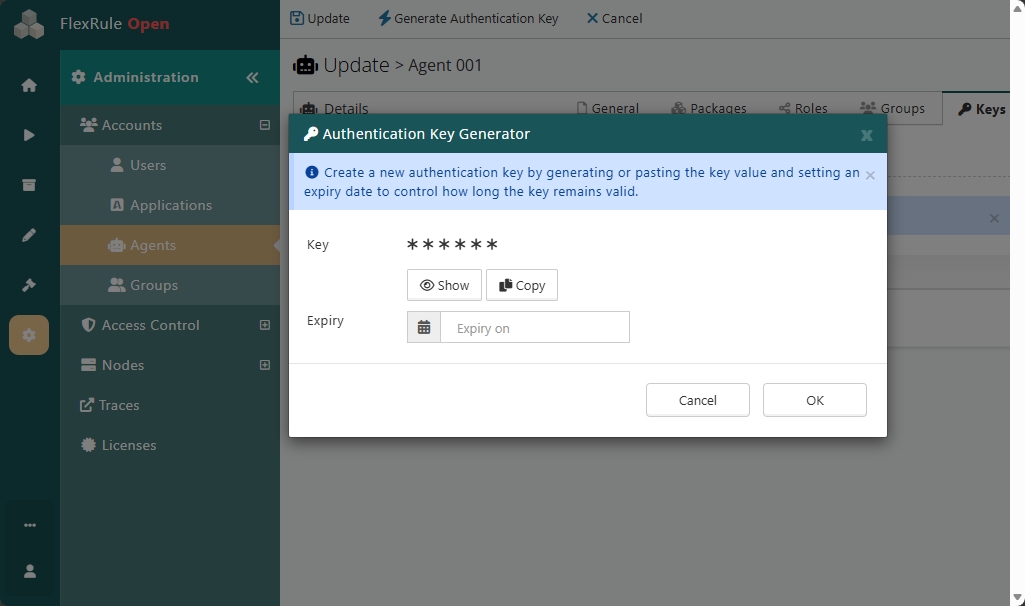
You can also revoke the key. There will be no grace period for the revocation.
Token Authentication
Agent accounts follow the same authentication flow as existing App accounts. Agent accounts use a key instead of a client name and secret.
How to authenticate in Workbench
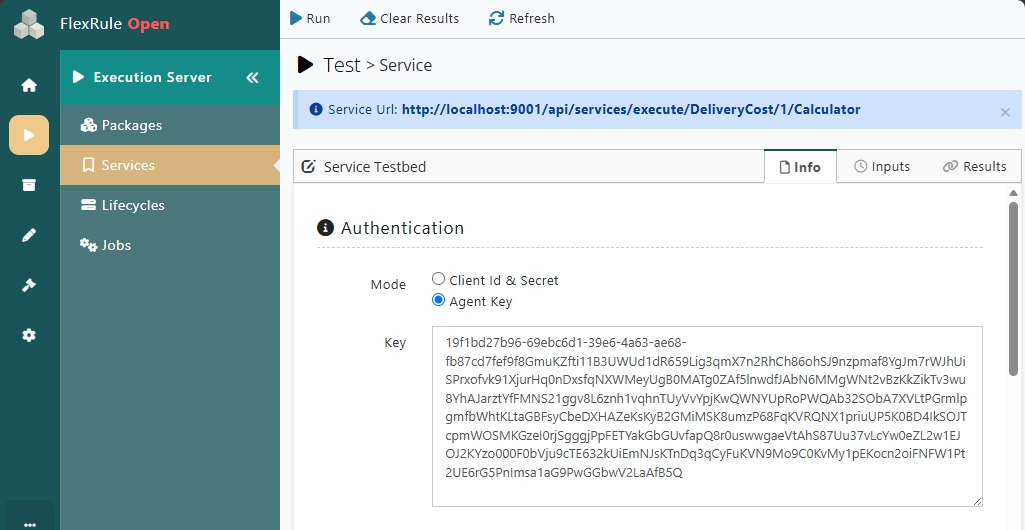
Navigate to your Package and service. Then click on “Test Run” and paste your Agent Key in the Authentication section as shown below.
How to authenticate in Postman
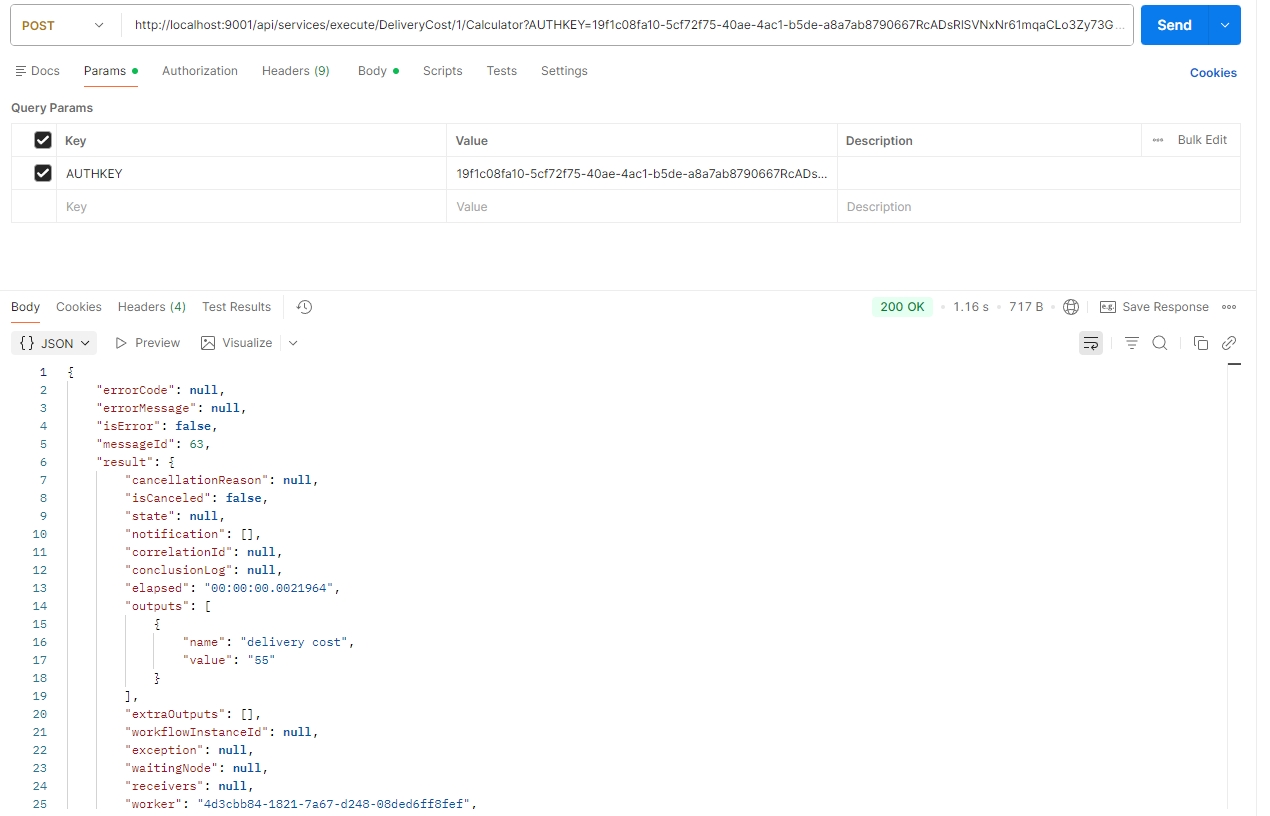
Use “AUTHKEY” as a query parameter and use your agent key as the value.