◷ Reading Time: 2 minutes
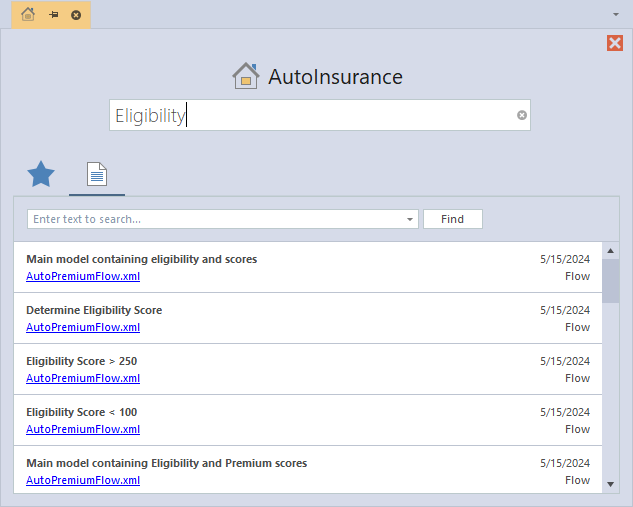
The Project Home window, a user interface designed to streamline logic documents navigation for non-technical users. Project Home Window helps users to begin exploring and interacting with project functionalities at a high level, even without extensive technical knowledge.
- It allows search on metadata and content, for example, risk pricing, and it shows the logic document with that phrase.
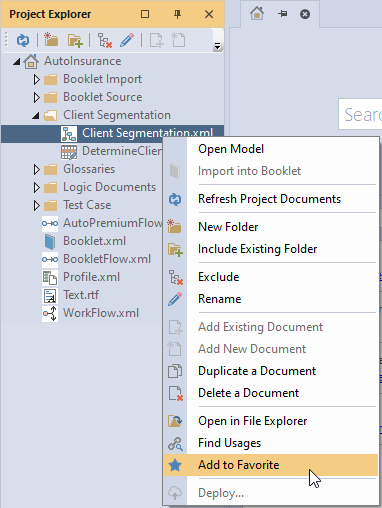
- Users can add some logic documents in their favorite section, and next time, it allows them to quickly navigate that specific logic document.

How to Open the Project Home Window
Navigate to View -> Project Home or simply press F3 on your keyboard.

How to add logic documents to Favorite
Right click on any logic document and then click on Add to Favorite.
Search on Project Home
You can search project related key words in the given search bar.