◷ Reading Time: 2 minutes
You can open a project from a Workspace by clicking on the “Open a Project”. You need to ensure you have the necessary privilege to view the Workspace.

When you click, you will see the following window, which has Workspace icon at the top- left corner.
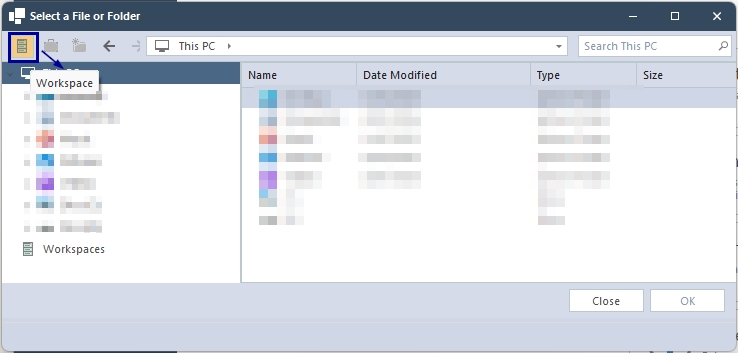
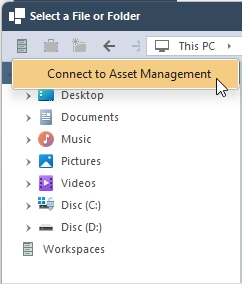
Click on the “Workspace” icon, and you will see the “Connect to Asset Management.”
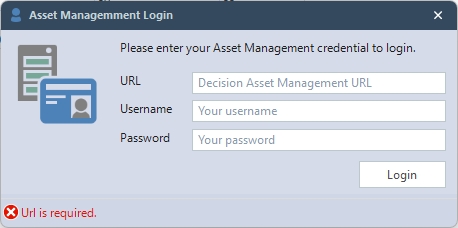
Then login with your credentials.
After you log in, you can see all Workspaces. As well as creating new Workspaces and folders inside the Workspace.
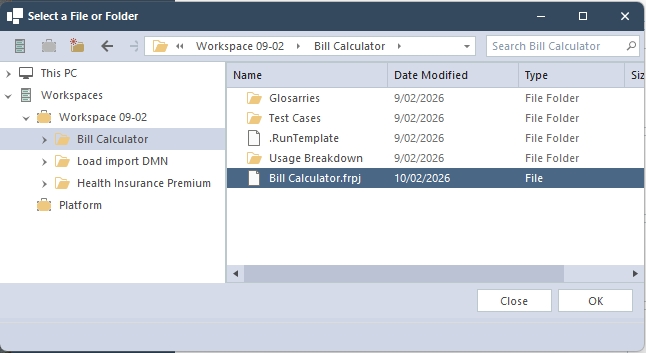
When you select .frpj file then you will be able to click “OK” to open the project.
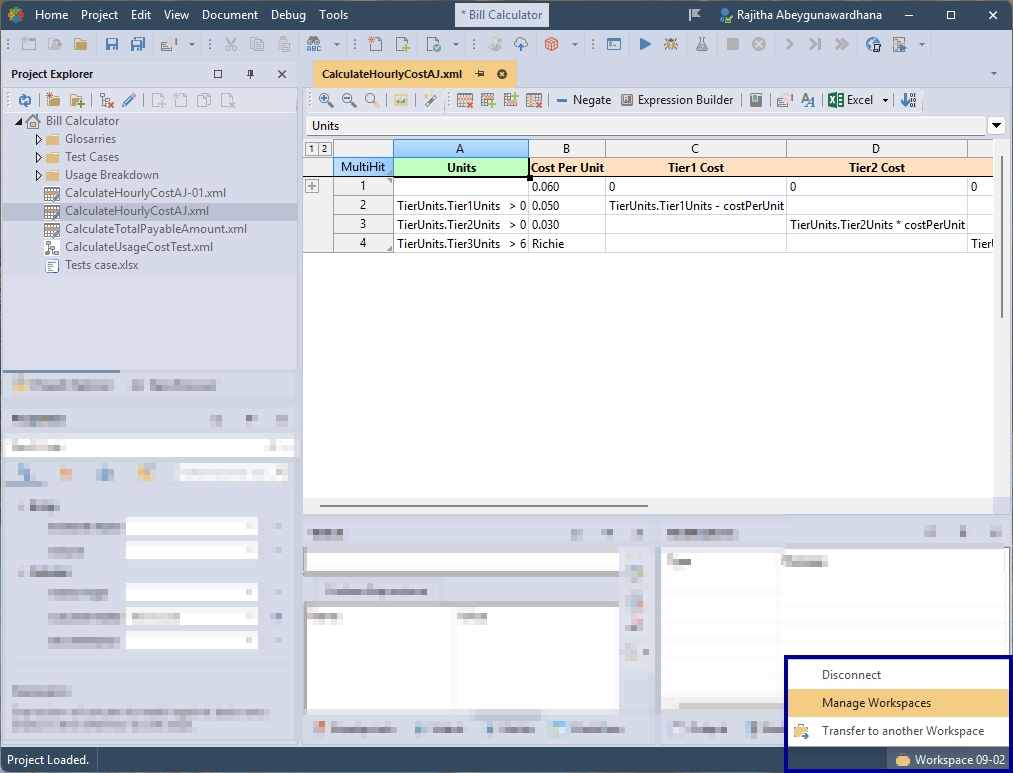
Then you will see the Workspace name this project belongs to at the bottom right corner with all the options for DAM.