
◷ Reading Time: 2 minutes
The Run Template allows you to associate prepared data that is created using JSON Composer to:
- Execution of a logic
- A Workflow Task (i.e. Human Task, Receive Task…)
Create and Save a Run Template
Create a Run Template using Value Composer
To Create a Run Template,
- Click on Debug icon

- Create your input in JSON format
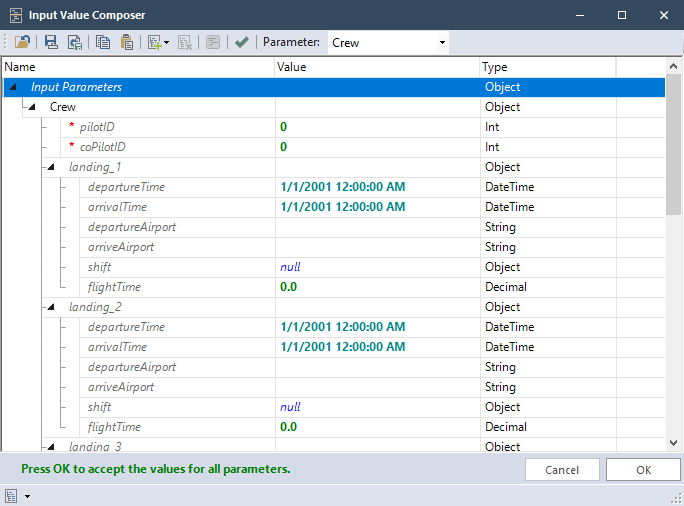
- Click on ‘Save as Run Template’ and save the run template
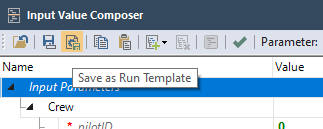
Run Templates allow you to save the Data Feed Provider’s settings for later reuse.
If you are configuring a Workflow, then you have an option to associate the data to a specific Task (i.e. Human Task, Receive Task, etc.) By saving this Run Template, the Data Feed Provider Configuration will be reusable in the future for running or debugging the logic document.