
◷ Reading Time: 6 minutes
The Governance section in the FlexRule Workbench is a collection of tools tailored for a governance team to configure the requirements of Starting and Resuming/Activating an instance of a Workflow or Continuous Decision Model (CDM) Lifecycle.
The tools cover the following lifecycle actions:
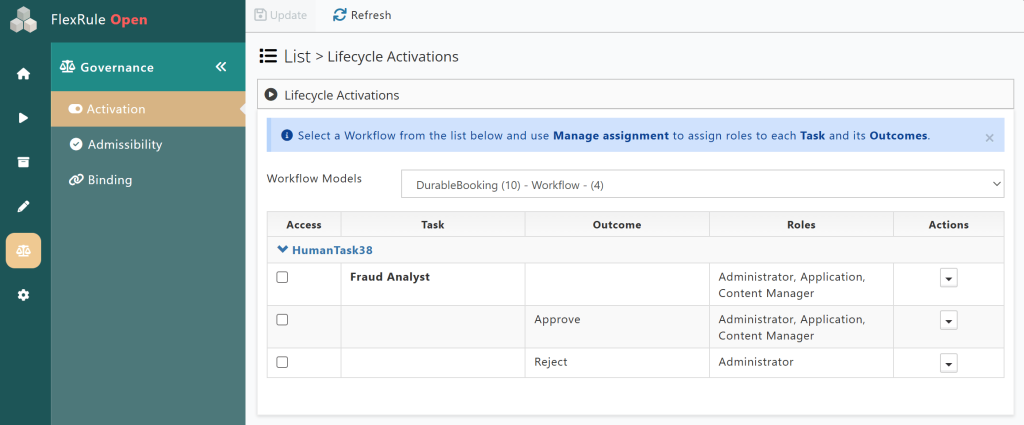
- Activation – Enforces the ability to Start or Resume/Activate Lifecycles for specified Roles, blocking any accounts that lack the specified Roles for these actions, regardless of their overall permissions.
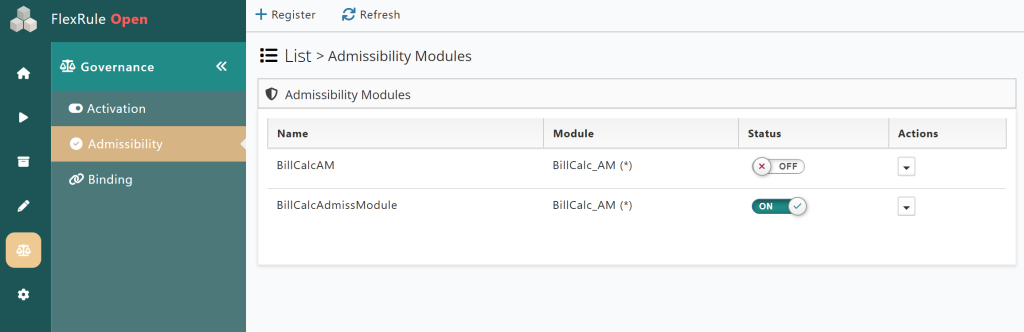
- Admissibility – Registering decision modules that output an Admissibility Outcome (
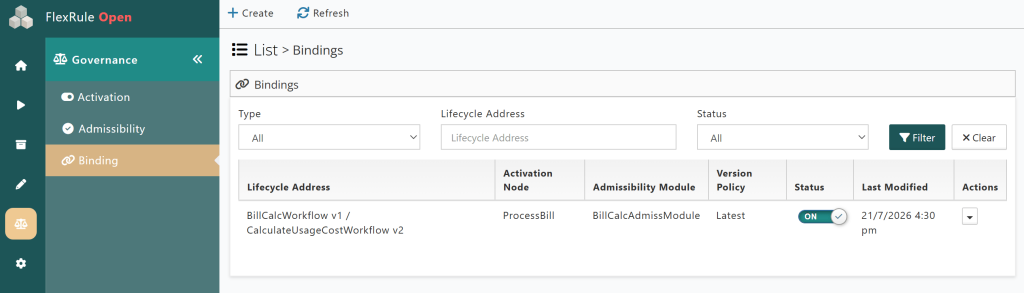
Allow/Defer/Haltstrings). These admissibility modules will govern the actions of bound Lifecycle nodes when they are Resumed/Activated. - Binding – A tool used to select which lifecycle nodes to govern and which admissibility modules to bind to them. Using the input expressions for these bindings, it is also possible to quickly update the governing rules without registering a new module.
Admins will be able to establish and modify the rules governing all or some Lifecycles. Using these tools in Workbench to update the rules eliminates the need to make small adjustments to the decision models to accomplish the same result.
Lifecycle Governing Tools
Lifecycles can be governed by adding both/one/none of the following:
- Lifecycle Activation
- Admissibility Modules
- Registed Admissibility Modules
- Create Binding
Effect on Users
The End-user will not see any changes, provided they meet all requirements and the Lifecycle actions are allowed. The user will not have to do anything differently when executing a Lifecycle with activations or admissibilities applied; the user will likely not realize any changes were made. However, if a user fails to meet all set requirements, the lifecycle execution will be blocked and will instead follow the designated behaviors outlined in the Results of Governance Tools section below.
Results of Governance Tools
Activations
Only accounts that have the required Roles set in Lifecycle Activtations will be able to Start/Resume/Active the governed Lifecycle or a specified node within a Lifecycle. It is also possible to restrict only the outcomes. An example would be that accounts are required to have the Administrator Role in order to give a Rejection outcome.
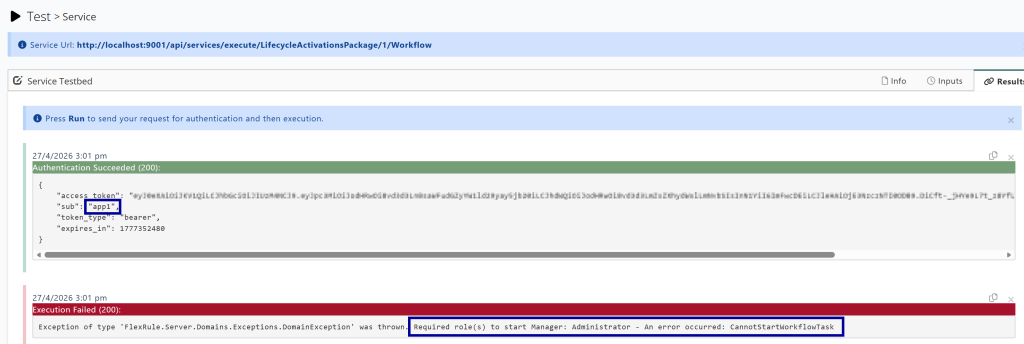
Attempting a Lifecycle action without the correct Roles will result in the attempt being canceled and the Lifecycle returned to its original status before the attempt.
Admissibility
When Lifecycles are Resumed/Activated they will first check for any enforcement points for the current waiting node. If an enforcement point is found, it must be resolved before the Lifecycle can continue.
Allow
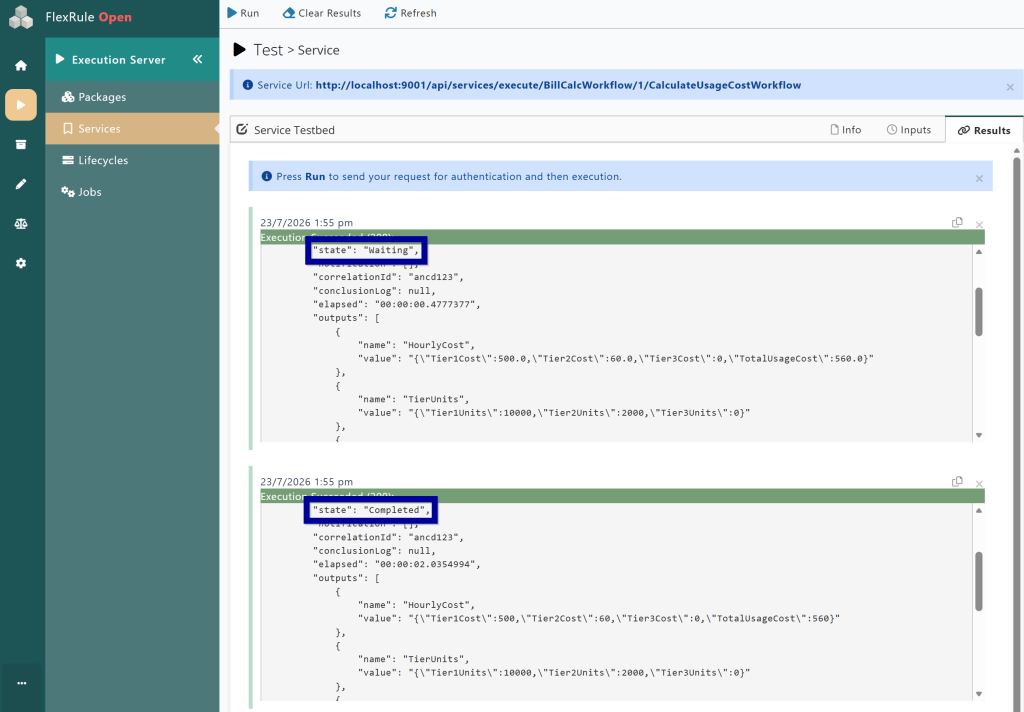
If the enforcement point is resolved to Allow, the Lifecycle will continue executing as normal.
Defer
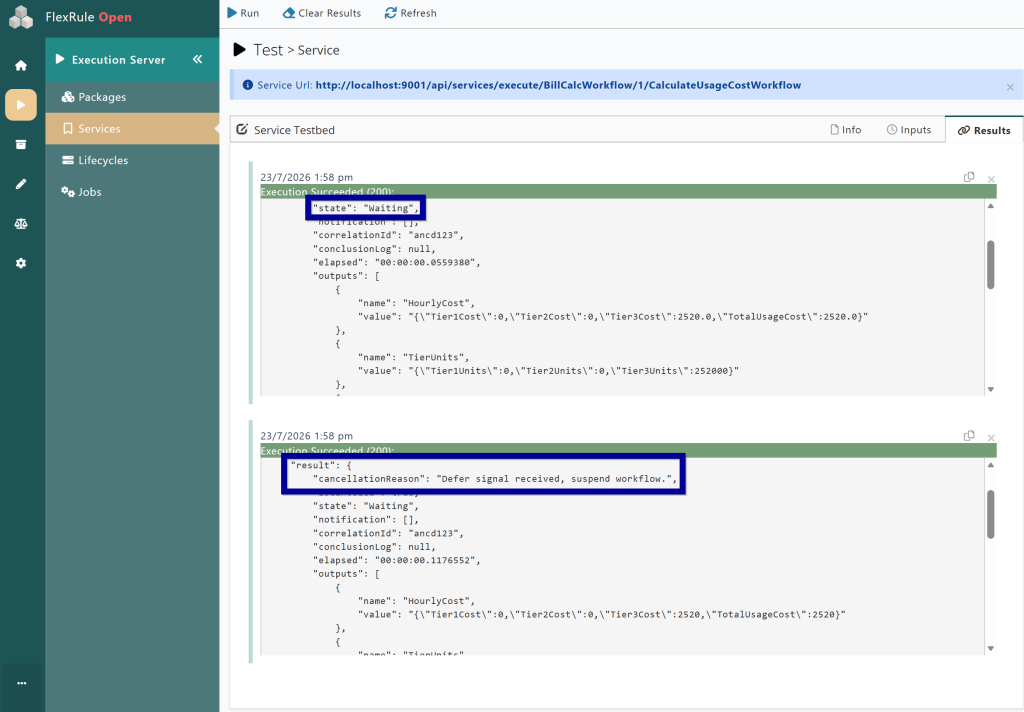
When the outcome is Defer, the Lifecycle will cancel the Resume/Activate attempt and return to the waiting node until a new Resume/Activate signal is given.
Halt
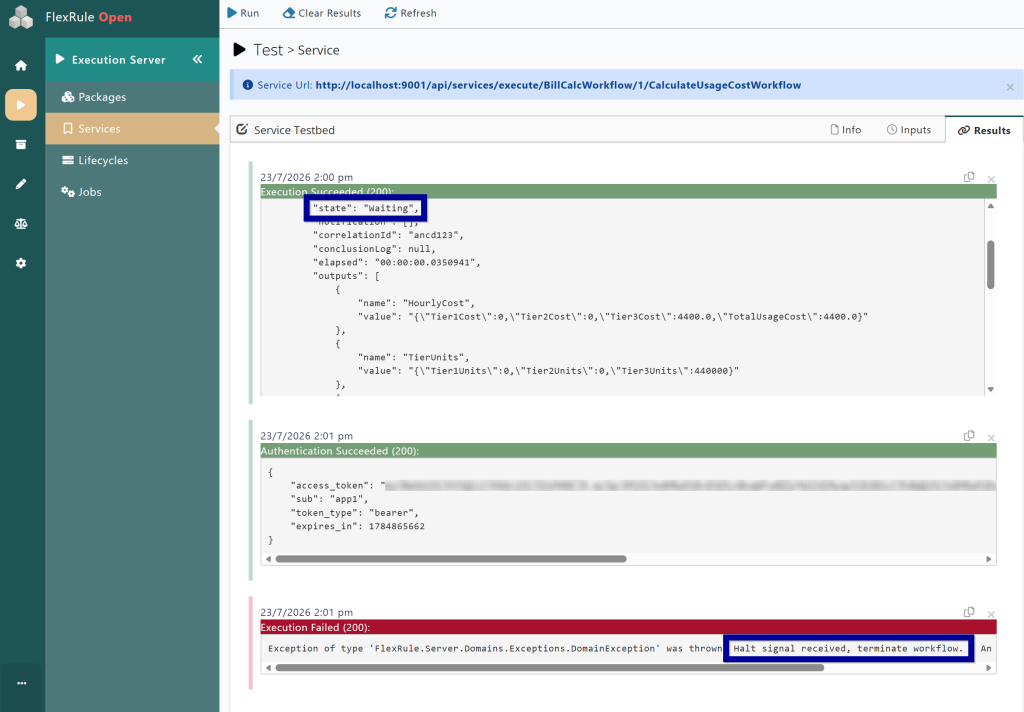
If the Admissibility outcome is Halt, the lifecycle will immediately cancel the Resume/Activate attempt, and the lifecycle instance status will be changed to “Fault”, preventing any new attempts to Resume/Activate that Lifecycle instance.
Cannot Complete EnforcementPoint
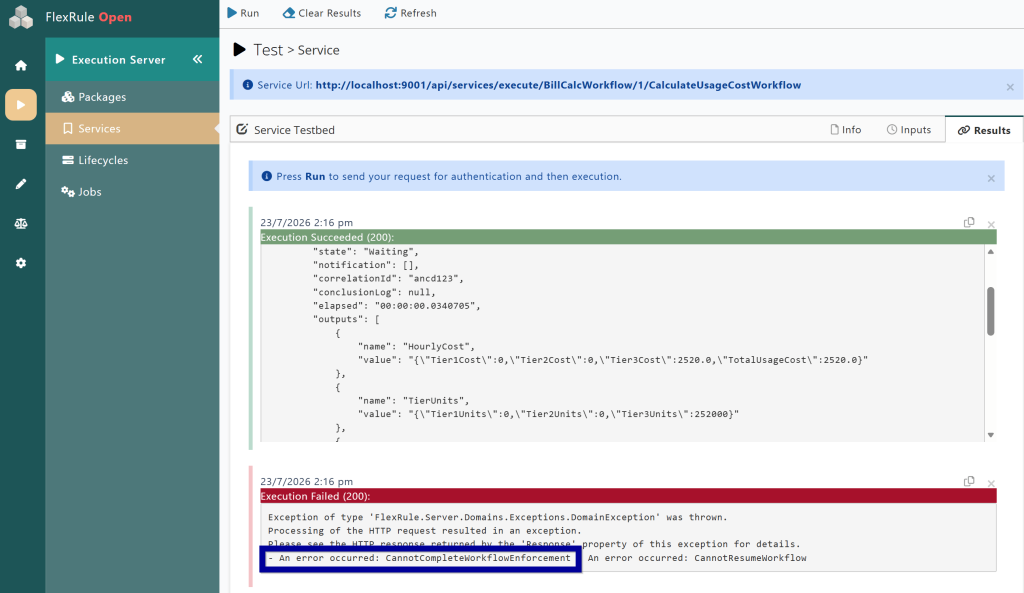
If the enforcement point fails to be resolved for any reason, the Resume attempt will be treated as if a Halt outcome was given, and the Lifecycle instance will be terminated.
General Rules
Admissibility Modules are invoked by the system, and therefore, accounts do not require ownership of the correlated package to execute the Admissibility Modules. Accounts will still require ownership to execute the package directly.
If the status of the Admissibility Module or the Binding is Inactive, the Lifecycle behavior will be unchanged as if no Admissibility is applied.
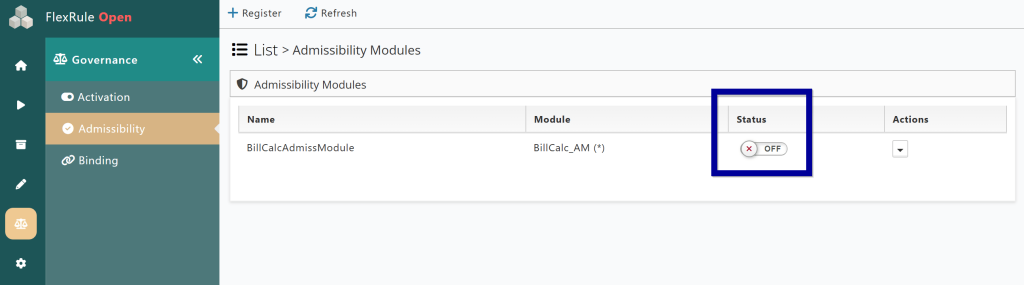
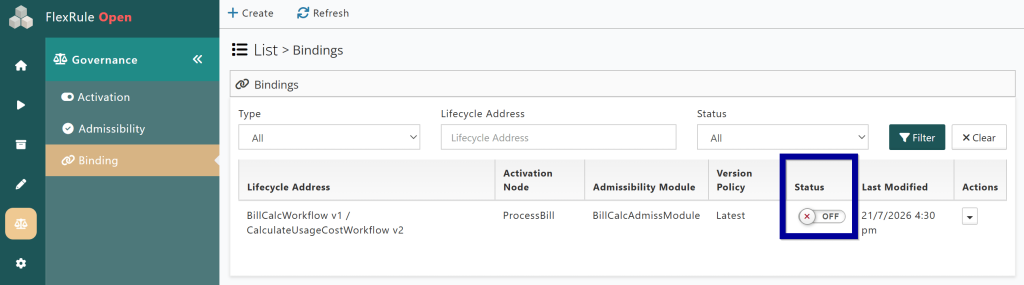
However, if the package or service of the Admissibility Module is toggled off, then Admissibility will still be applied to the lifecycles, but they will be unable to resolve the enforcement point and will Halt.
Additional Resources:
To read more on these Governance tools, take a look at the articles linked below next!
- Managing Lifecycle Activations
- Managing Admissibility Modules
- Managing Admissibility Bindings