
◷ Reading Time: 4 minutes
In this tutorial we will set the ownership of a package. We will use the package that was uploaded in the previous tutorial.
Prerequisites to Assigning Package Ownership
Uploading the Package
You will need a Package uploaded to set the ownership of a package. So make sure you have set up your FlexRule Server and have finished the previous tutorial.
Assigning a Package to accounts
For an account (user or application) to access an uploaded package the account needs to be granted access to the package.
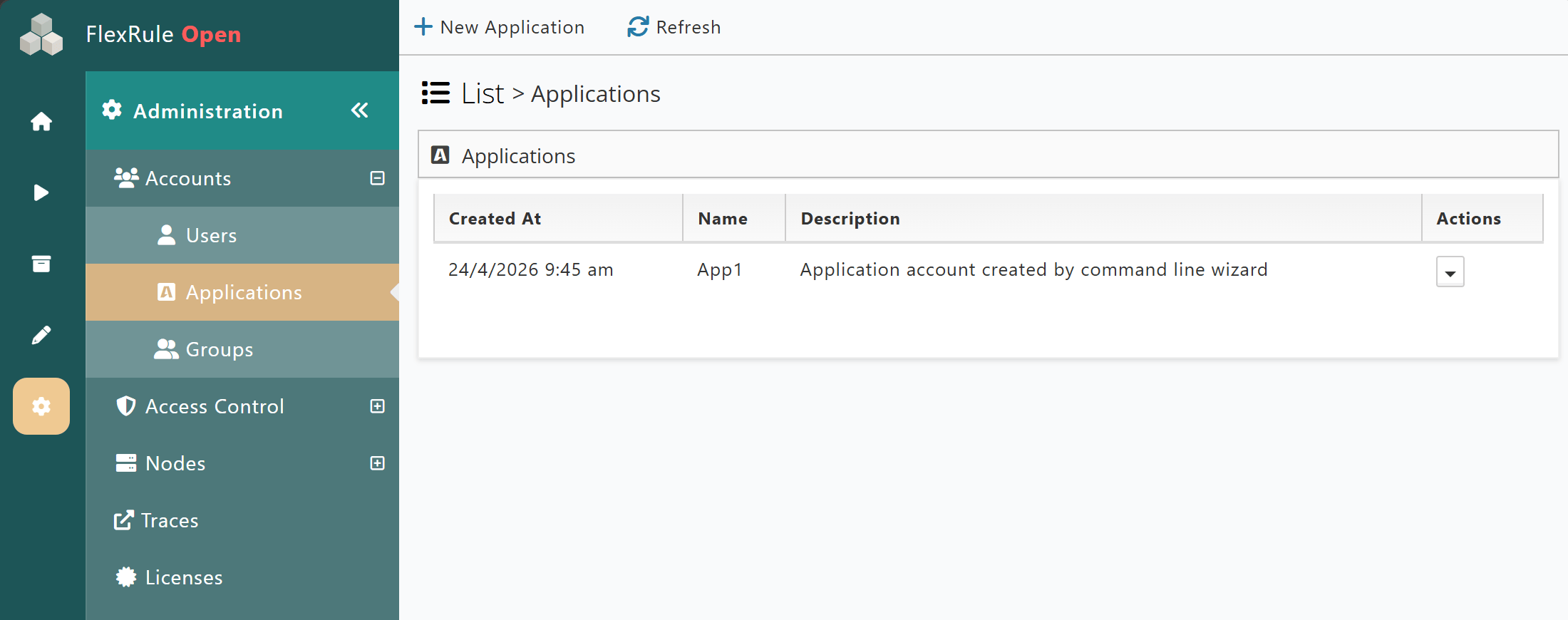
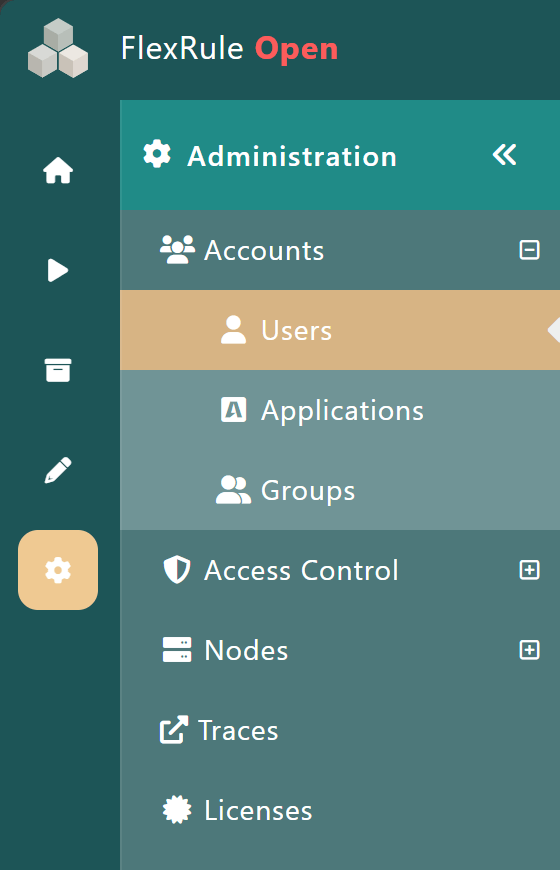
When navigating to Administration --> Accounts --> Applications you will see a list of all application accounts set up in Workbench.
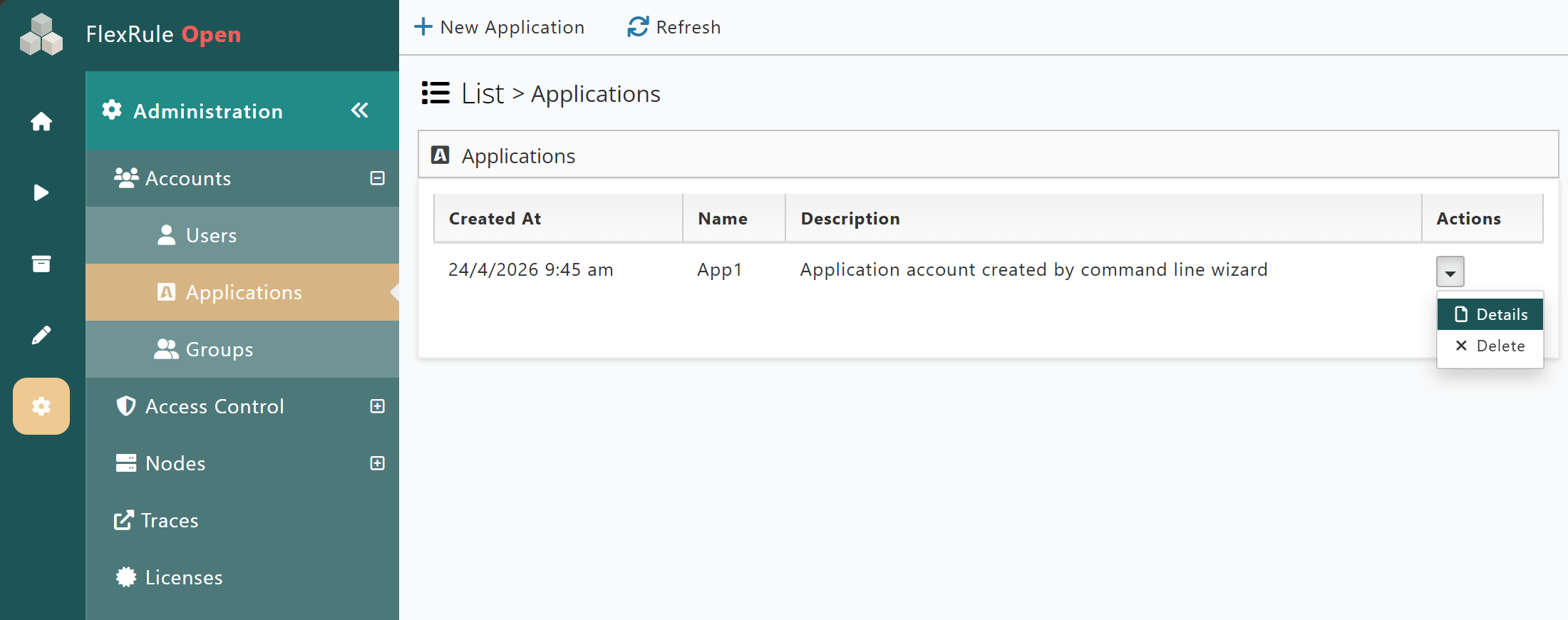
So to grant accounts access to packages, select the Action menu for an account and then select “Details”.
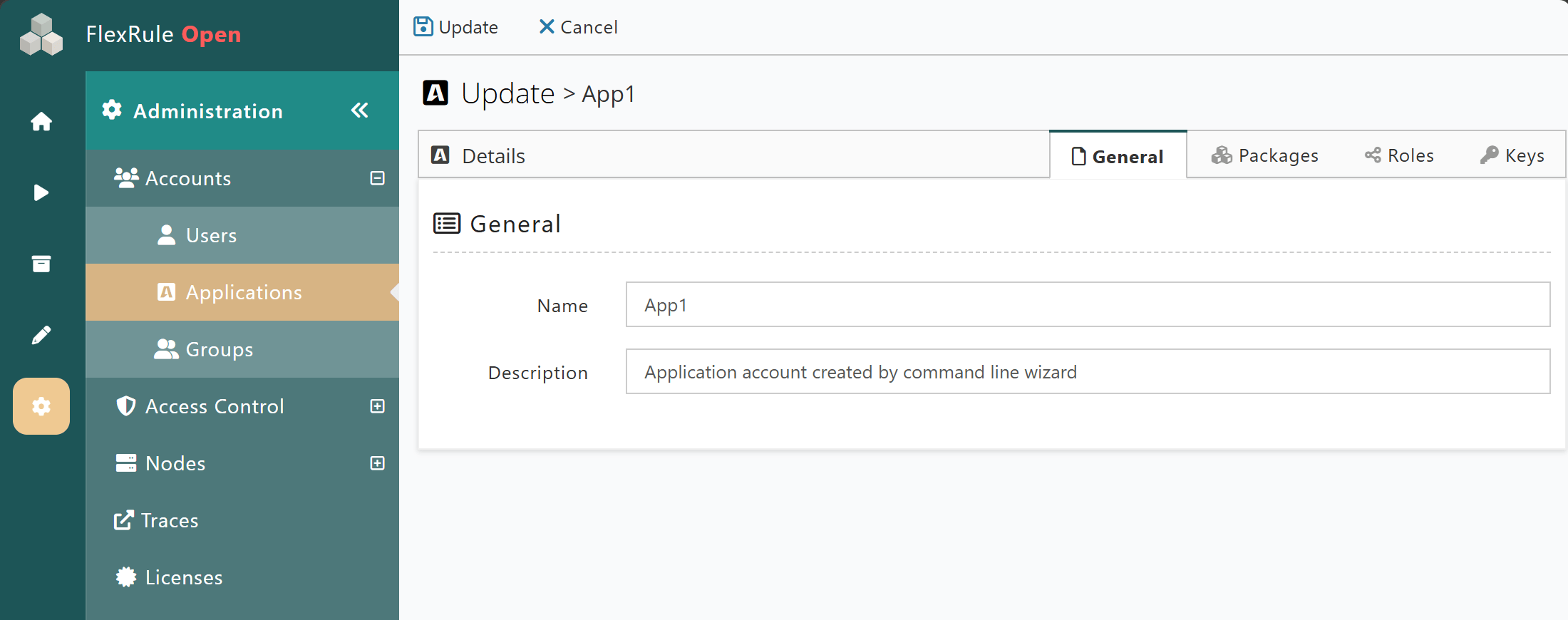
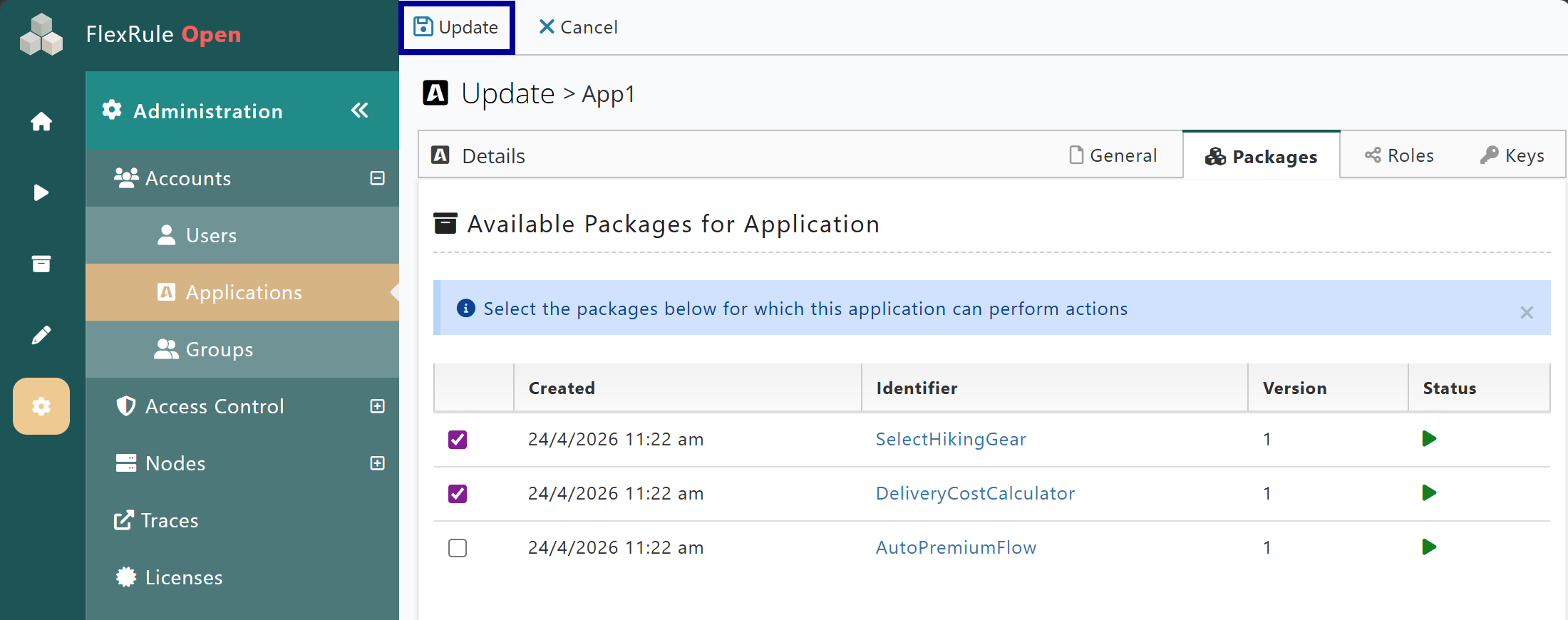
This loads the application account setting page and shows details of the account. It also has four tabs, General, Packages, Roles and Keys.
Select the Packages tab to display a list of available packages and details. The details include a check box, the creation date, Identifier (package name), version and Status.
Now tick the check box to the left of the Created column for the package you wan to assign. This will set the ownership of the package to the application account.
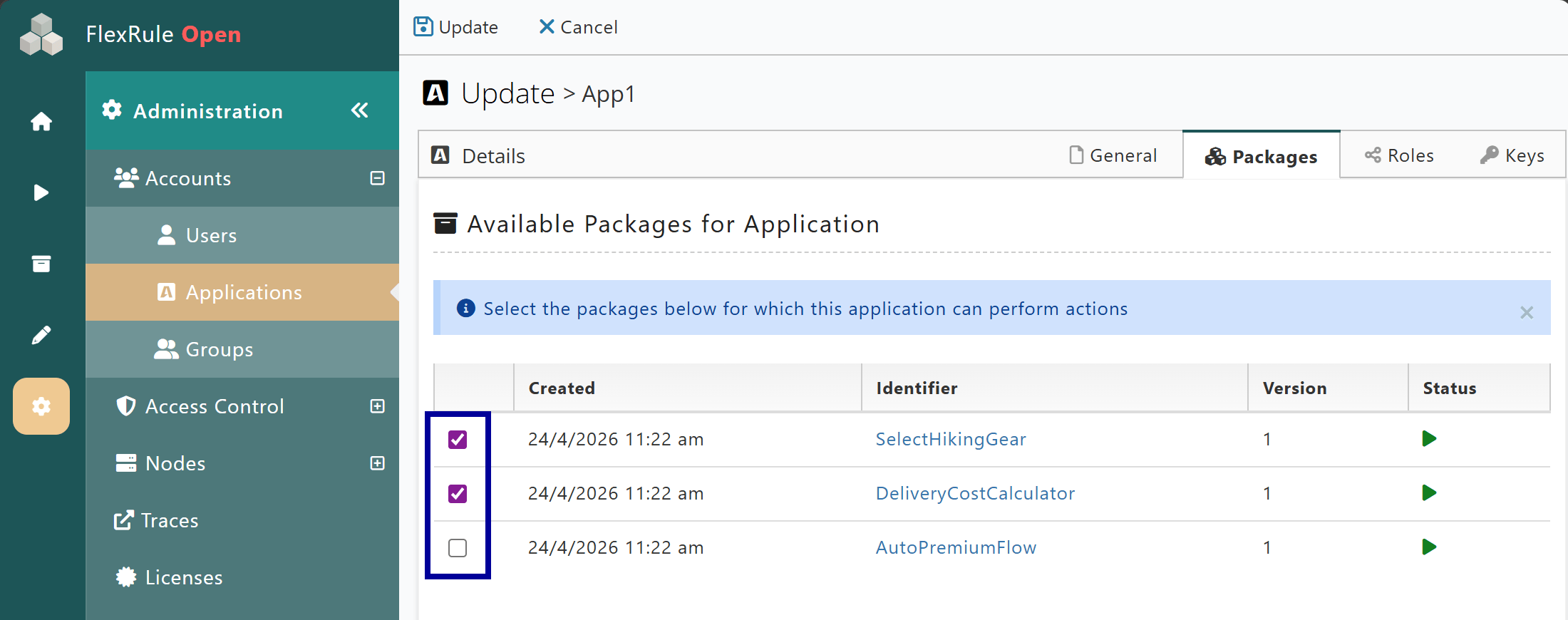
Finally, click the Update button to save and assign the package for the account.
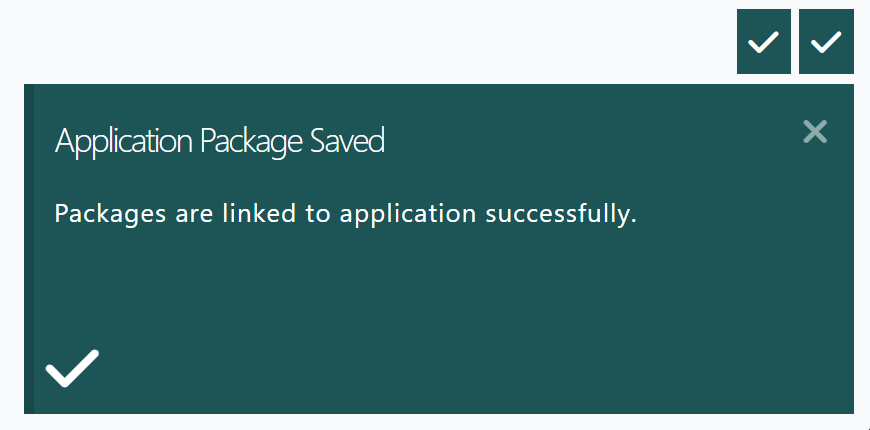
When that’s done, you will see a green success modal confirmation on your screen defining that the package has been linked to the application account.
Congratulations! You have set the ownership of the package to the application account. The package is also enabled (previous tutorial). Everything is all set up, and your third-party application (e.g. web application, mobile app…) can start using the hosted decision.
List Package Owners
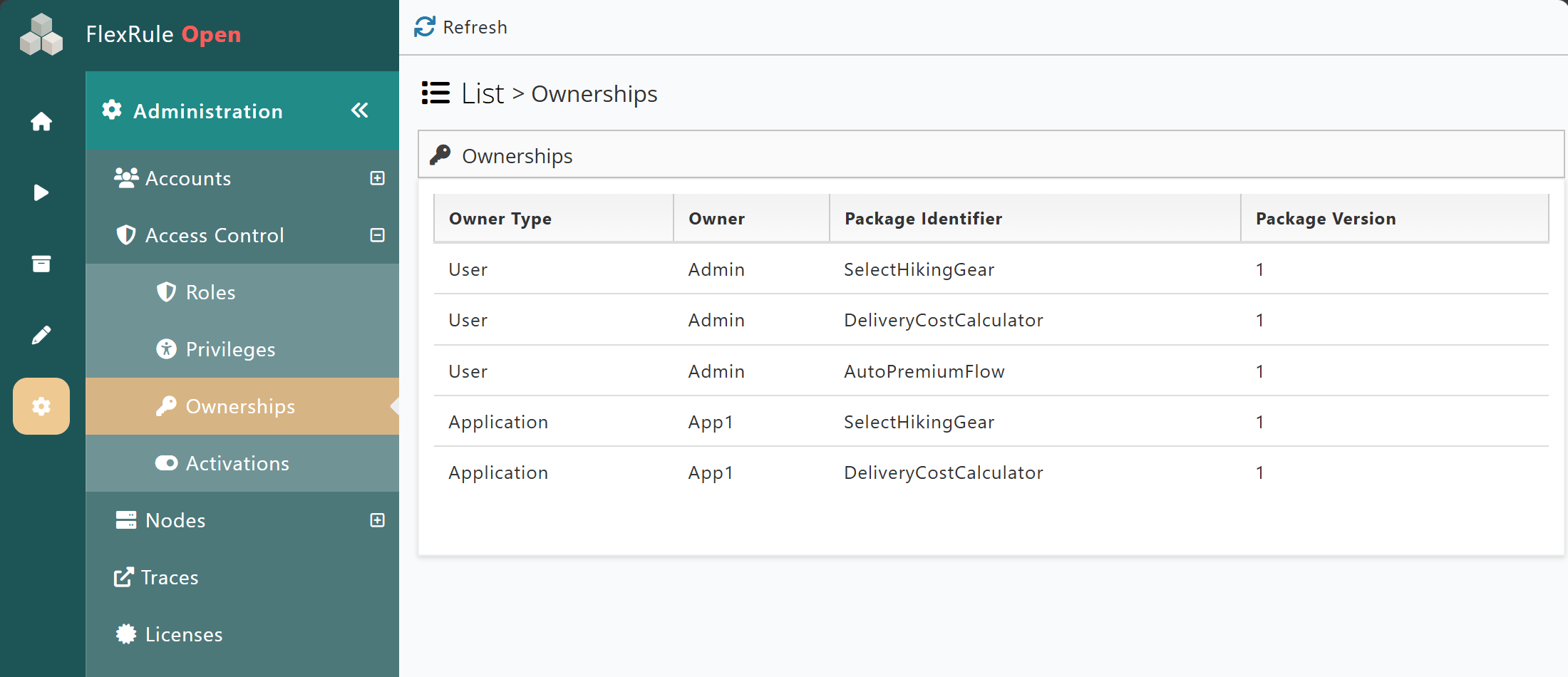
To view the list of Users and Applications assigned as package owners, navigate to Administration --> Access Control --> Ownerships.
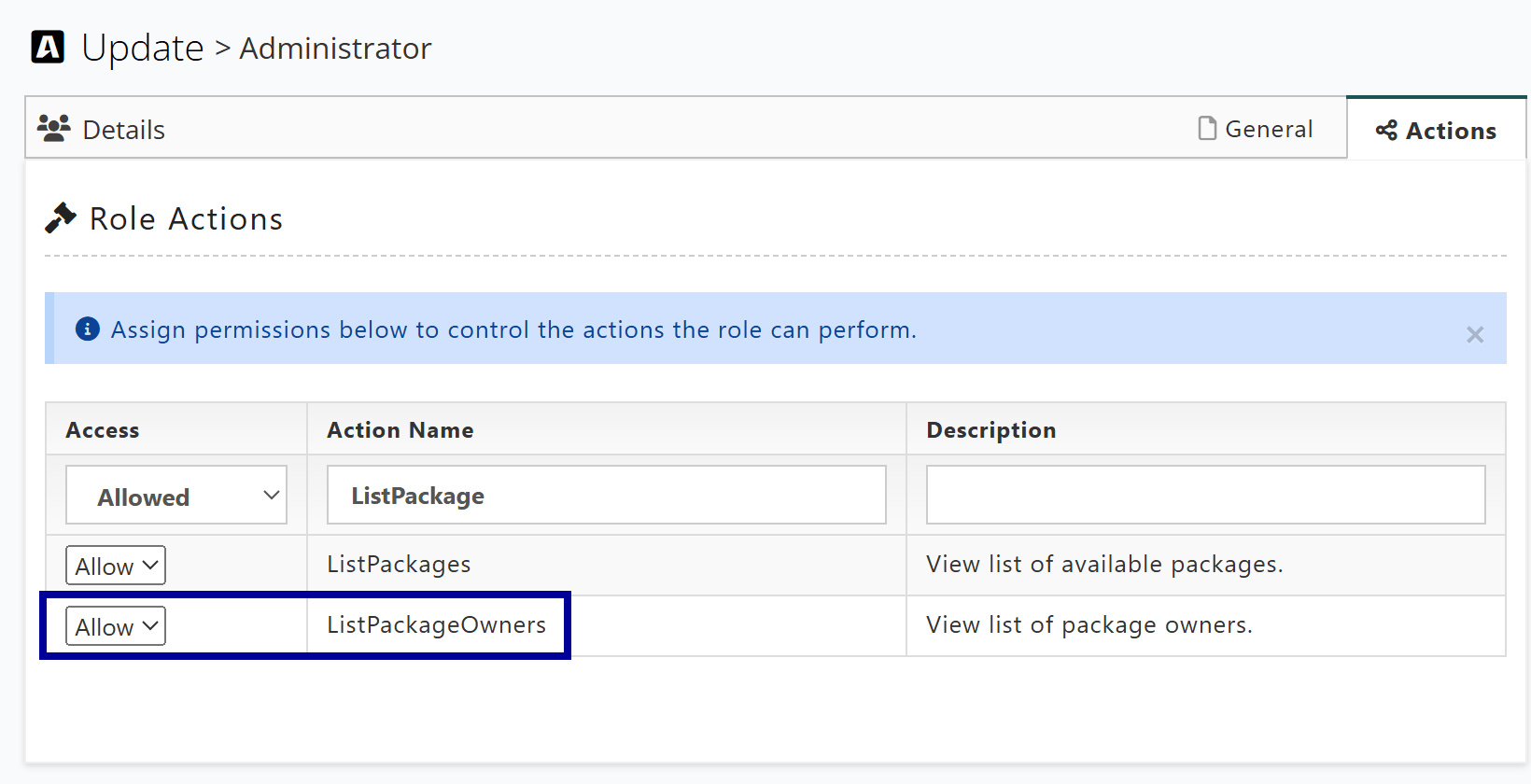
The ListPackages and ListPackageOwners role actions are required to be able to view the list of package owners.
Assigning a Package to Users
To assign packages to User accounts, follow the same steps as above; however, navigate to Administration --> Accounts --> Users then follow the other steps from Assigning a Package to accounts.
In the next tutorial, we are going to show you how to test the host decision.