◷ Reading Time: 6 minutes
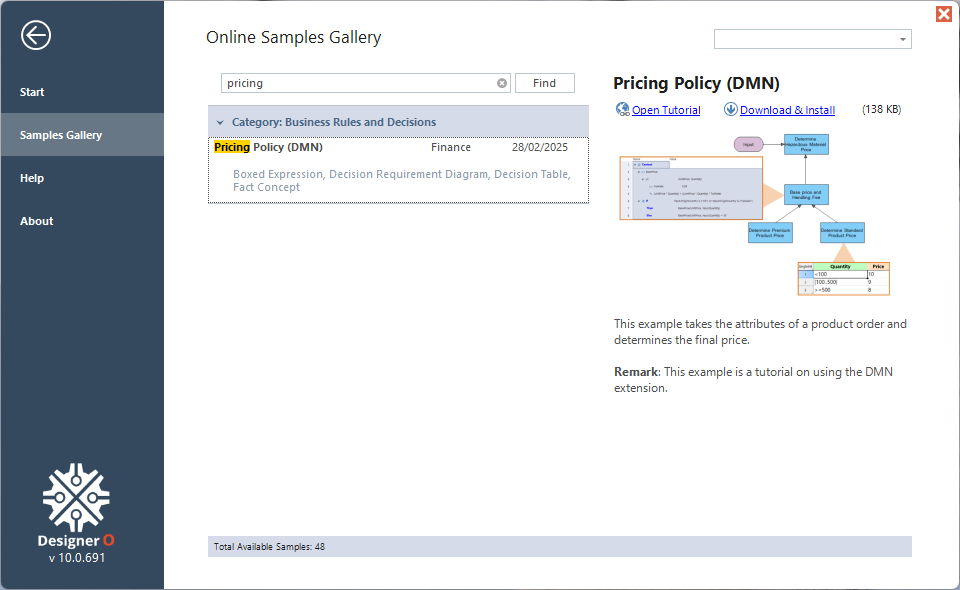
This project uses models built with the DMN extension to determine the final price based on the product’s type, origin country, and Hazardous material.
The project consists of a DRD that uses a Decision Table, and Conditional and Function Boxed Expressions to determine a final price.

Running the Sample
1. Open the DRD Main.xml
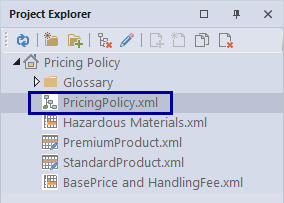
2. Click on Logic Run Template.
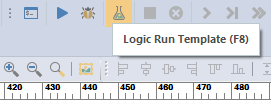
3. Select the template: Order-01
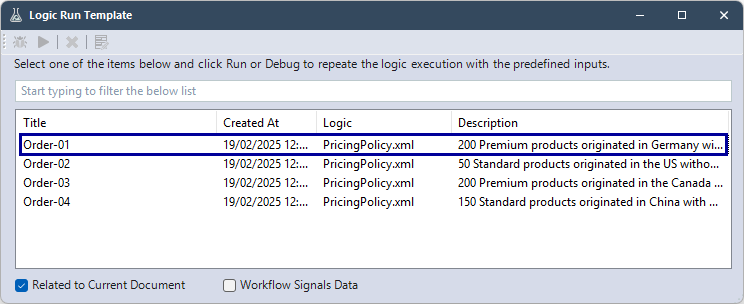
This template will use these input values:
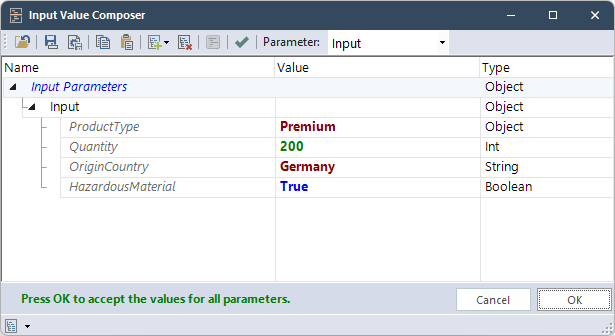
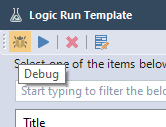
4. Click Debug
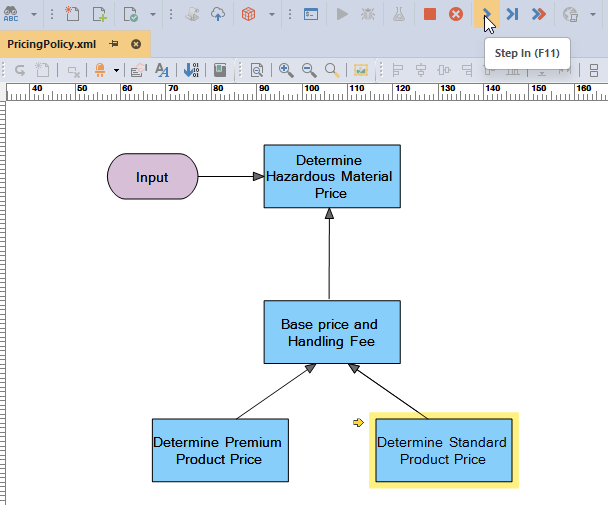
5. Click Step In to go step by step
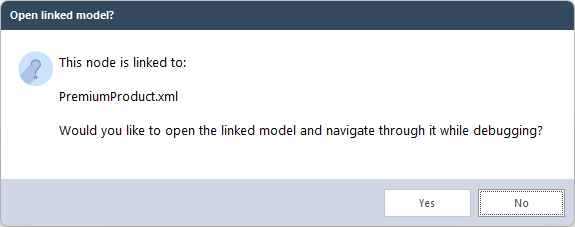
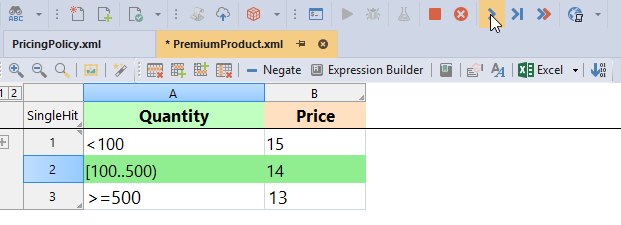
6. Select “Yes” when it asks to open the linked model, then continue to Step In to see which condition of the decision table is met.
7. When a row is highlighted in yellow it is about to be executed, when green the condition has been met.
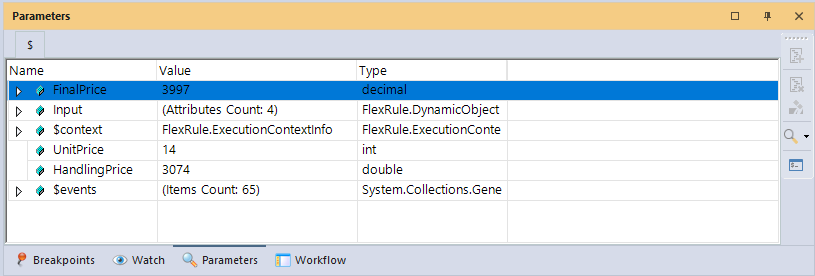
7. Keep stepping through until the final decision of the DRD and the project execution is finished. You will see the output under Parameters window. The FinalPrice parameter shows the price for the order.
Process Steps
The process of this project consists of these main steps that coincide with the decision nodes in the DRD:
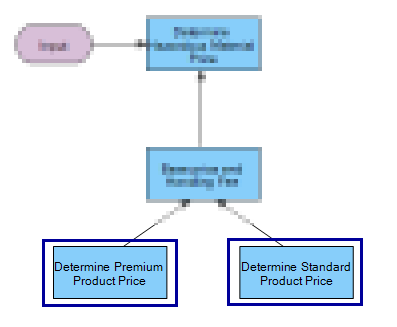
- Determine Premium/Standard Product Price: Determine unit price based on input parameters. There is a run condition for selecting product price nodes, so based on the input, it runs the related decision table.
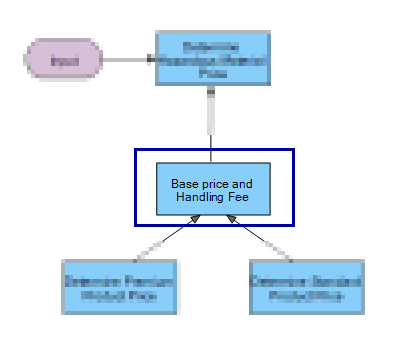
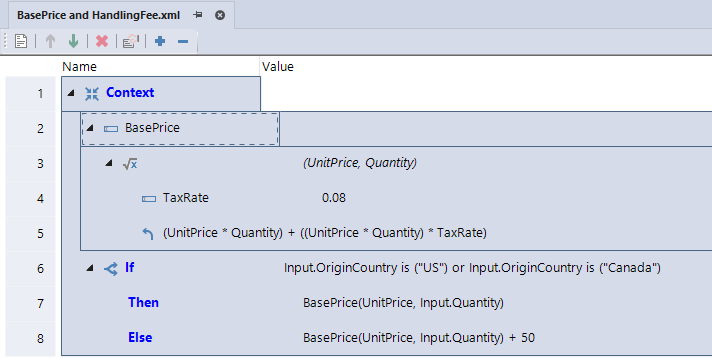
- Calculate Base Price and Handling Price: Calculate the base price based on the tax rate. If the product’s origin country is not Canada or the US, add 50 dollars more for the handling price.
- Hazardous Material: If any product has hazardous material, it should increase the price by 30 percent of the total price.
Project Description
The Selecting Hiking Gear project contains the following files:
DRD (Decision Requirement Diagram)
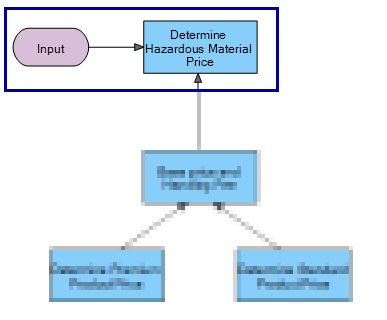
- PricingPolicy.xml: Shows the hierarchy of four decision nodes, Determine Premium/Standard Product Price, Base price and Handling Fee, and the final decision Determine Hazardous Material Price.
Decision Table
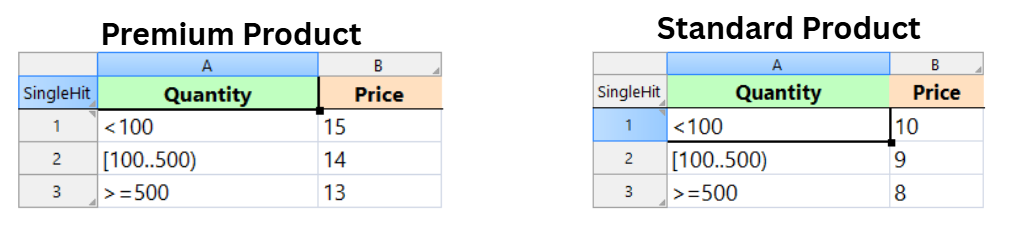
- PremiumProduct.xml: Has conditions for selecting unit prices for Premium products.
- StandardProduct.xml: Has conditions for selecting unit prices for Standard products
- BasePrice and HandlingFee.xml: This calculates the base price and adds the handling price if needed.
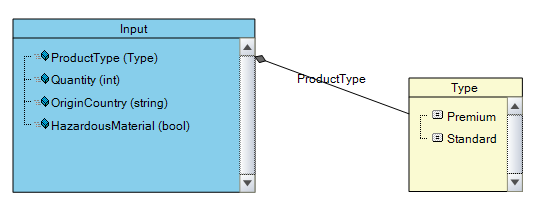
- Concept.xml: Creates the input parameter with the attributes: ProductType(option), Quantity(intiger), and OriginCountry(string), HazardousMaterial (boolean)
The Design
PricingPolicy.xml has four decision nodes.
Based on the Product type, picked from input, each order goes in the related decision table since these two decision tables have run condition. In the decision table based on the quantity the unit price will set for the order.
On this node, the based price is calculated for the order along with taxes and also this node is decided we need handling cost for the order based on thelogic or not.
The final price is determined by adding the hazardous price for the products with hazardous material.
Concept.xml creates our input type with four members, with the product types having two possible options.
StandardProduct.xml and PremiumProduct.xml: demonstrates the use of conditions and basic FEEL expressions to determine unit price.
BasePrice and HandlingFee.xml is a boxed expression that calculates base and adds the extra price for handling price to the product with origin country not US or Caneda.
Download the project
Use the attachment at the end of the page to download the sample project, or download directly from the home screen of Designer: