◷ Reading Time: 6 minutes
This project selects products to offer to clients based on their risk category, which is defined by different parameters.
Running the Sample
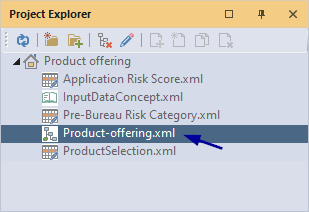
1. Open the DRD Product-offering.xml
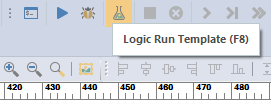
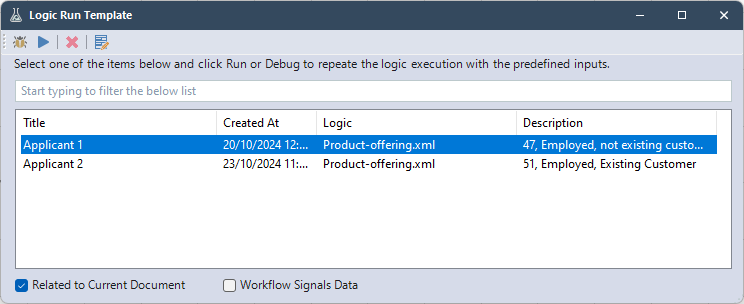
2. Click on Logic Run Template.
3. Select the template: Applicant 1
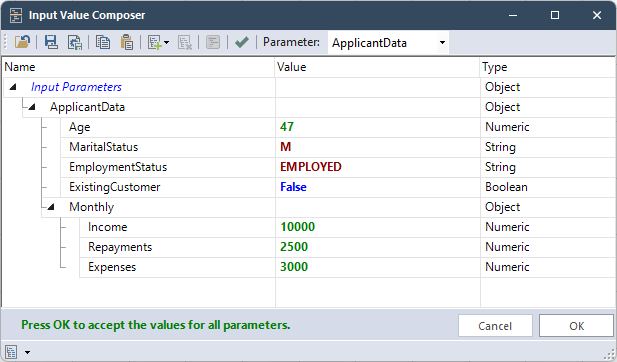
This template will use these input values:
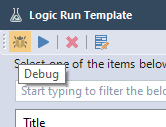
4. Click Debug
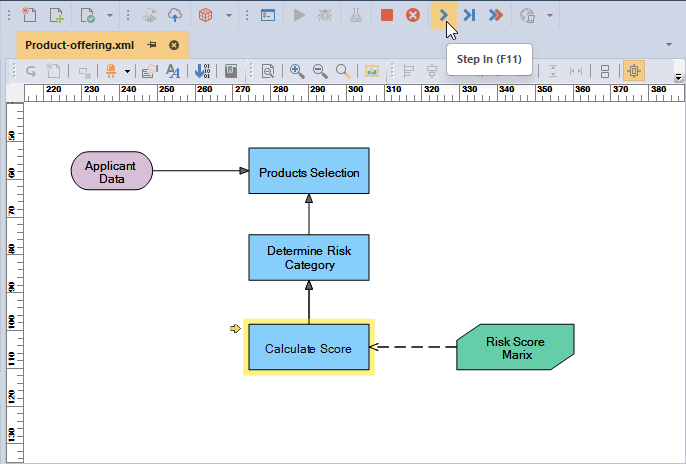
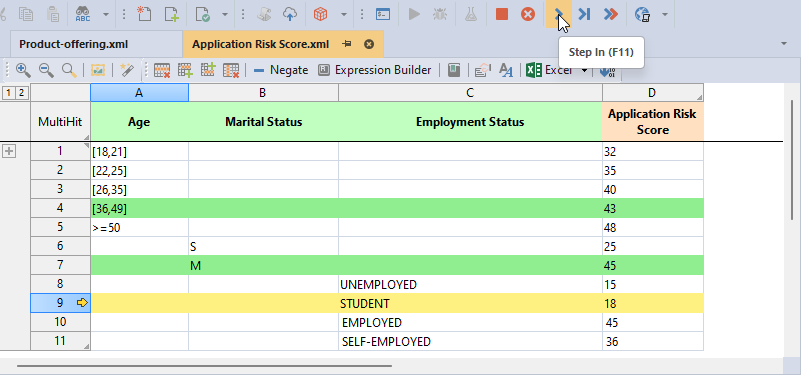
5. Click Step In to go step by step
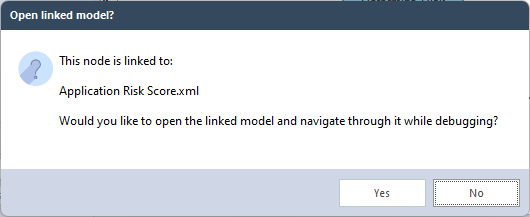
6. Select “Yes” when it asks to open the linked model, then continue to Step In to see which condition of the decision table is met.
7. When a row is highlighted in yellow it is about to be executed, when green the condition has been met.
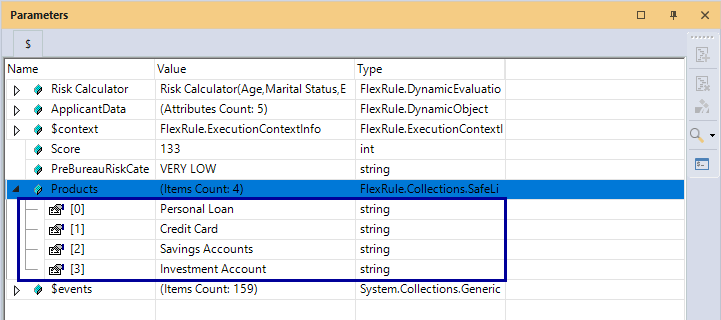
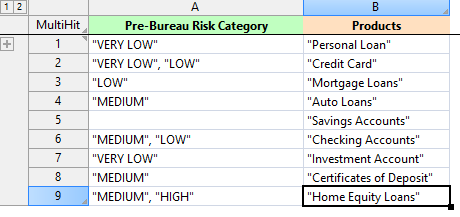
7. Keep stepping through until the final decision of the DRD and the project execution is finished. You will see the output under the Parameters window. The Products parameter contains all products that should be offered to the applicant (below, we can click on the Data Viewer while Products is selected to view the list in different formats: JSON, Text, Table).
Product Offering – Process Steps
The process of the this project consists of these main steps that coincide with the decision nodes in the DRD:
- Calculate Score: calculate the application risk score
- Determine Risk Category: If trail difficulty parameter is missing, select gear based off weather conditions alone
- Products Selection: Create a list of standard gear that should always be taken
Project Description
The Selecting Hiking Gear project contains the following files:
DRD (Decision Requirement Diagram)
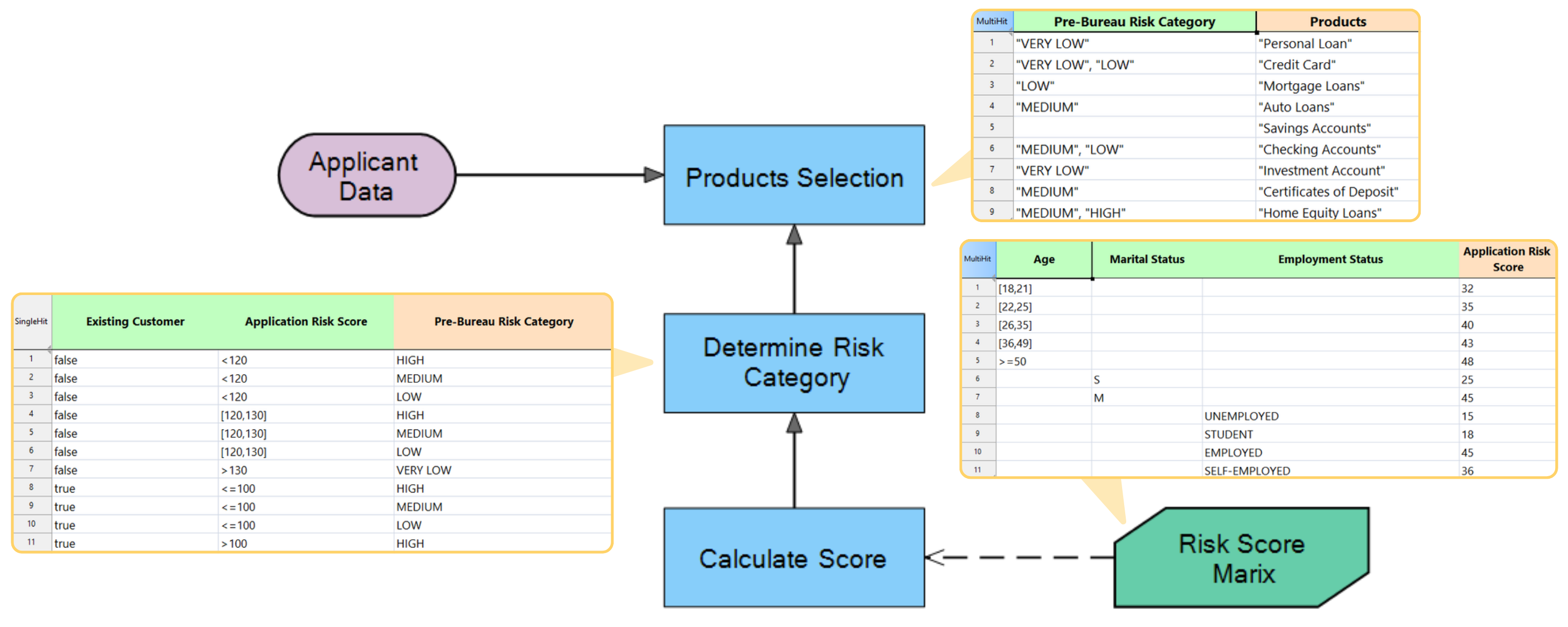
- Product-offering.xml: Shows the hierarchy of three decision nodes, Calculate Score, Select Risk Category Based on Risk Score and Existing Customer, and the final decision Product Selection for the applicant.
- Application Risk Score.xml: Has conditions for calculating Risk Score.
- Risk Category.xml: Has conditions for determining the Risk Category.
- ProductSelection.xml: Selects the products for the offer to the applicant based on the Risk category.
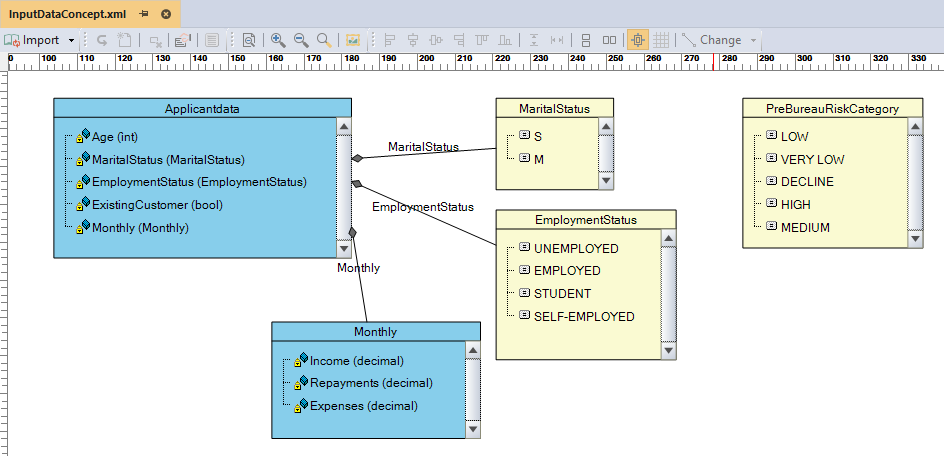
- InputDataConcept.xml: Creates the ApplicationData input parameter with the attributes: Age (decimal), MarialStatus (option), EmploymentStatus (option), ExistingCustomer (Boolean), and Monthly (Fact).
The Design
Product-offering.xml has three decision nodes.
Calculate the Risk Score Based on three Conditions. Call the decision table to define the Applicant Risk Score.
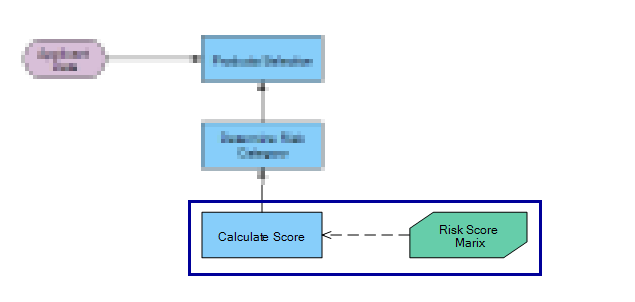
Sum the points based on each score for the Age categories, Marital Status, and Employment Status, and finally determine the risk score.
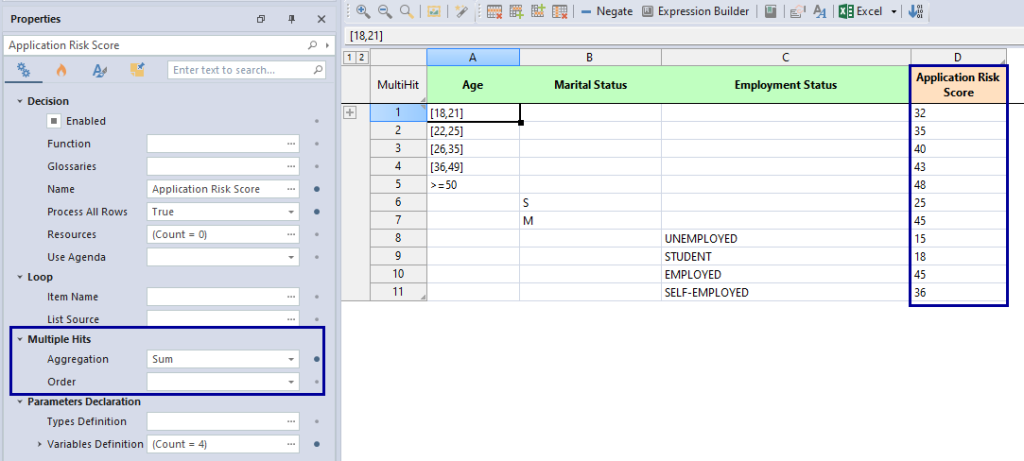
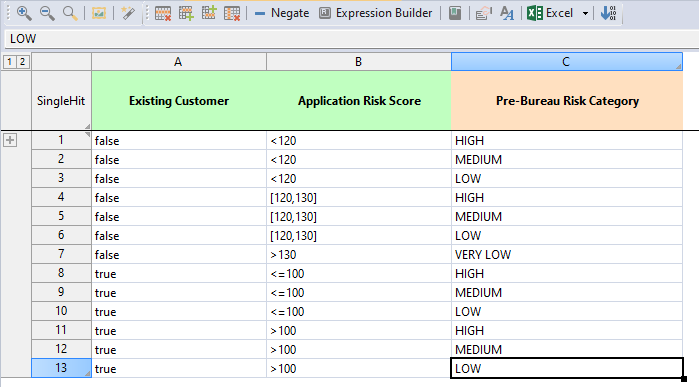
Determine the risk category for each applicant based on two conditions.
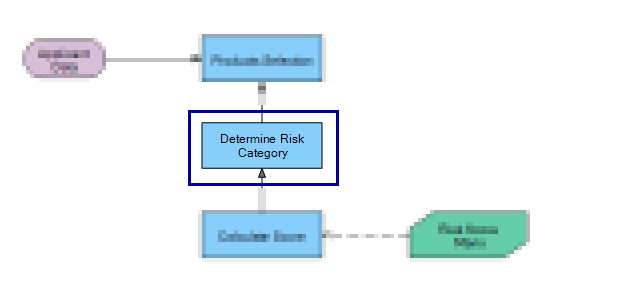
determine the risk category based on two conditions.
InputDataConcept.xml takes in the parameter of an application, which is defined in the fact concept, Concept.xml.
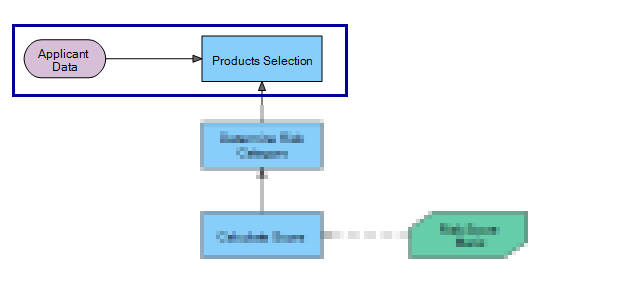
The final decision, Selection Products, has a condition to determine the offering product.
InputDataConcept.xml creates our Application information type with five members. Also, an Option for availability options in the category risk.
Download the Product offering project
Use the attachment at the end of the page to download the sample project, or download directly from the home screen of Designer: